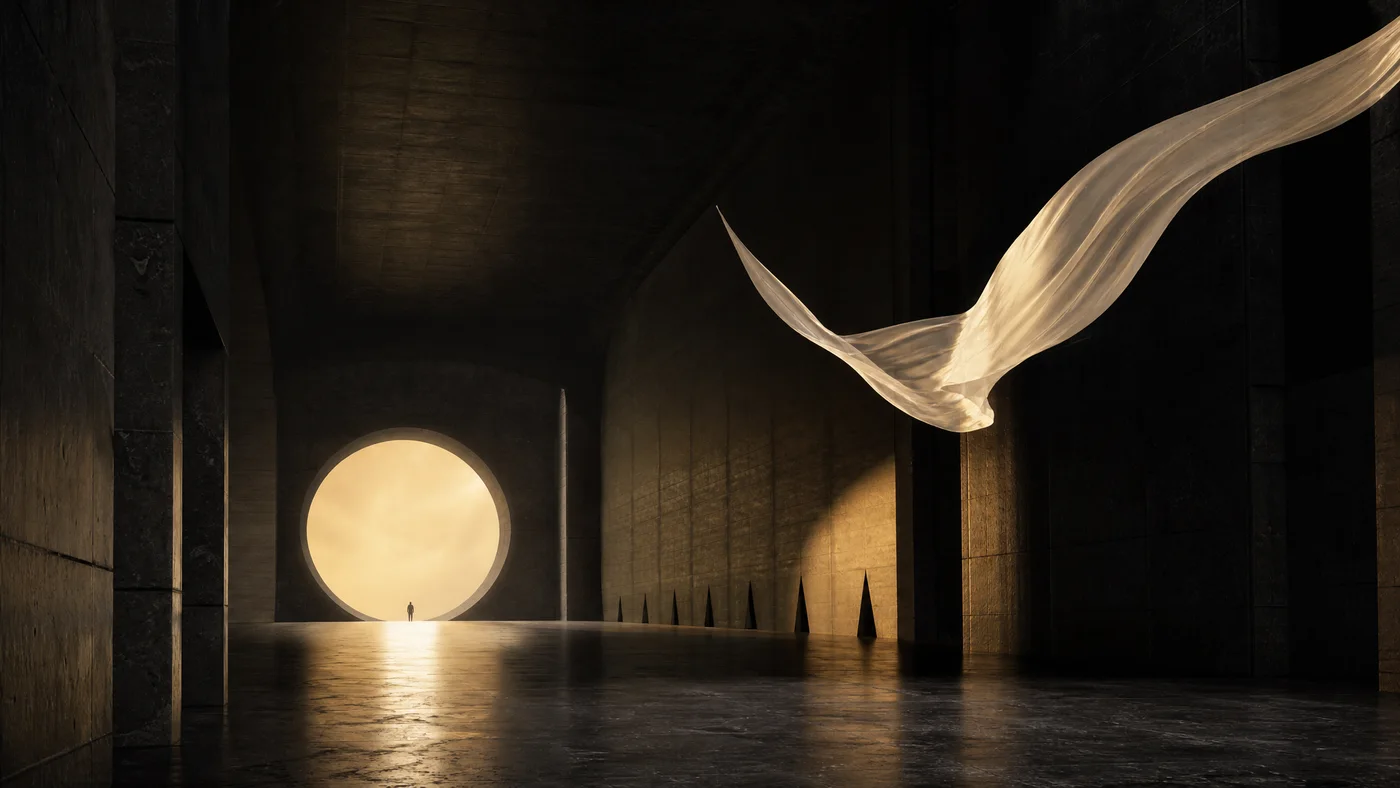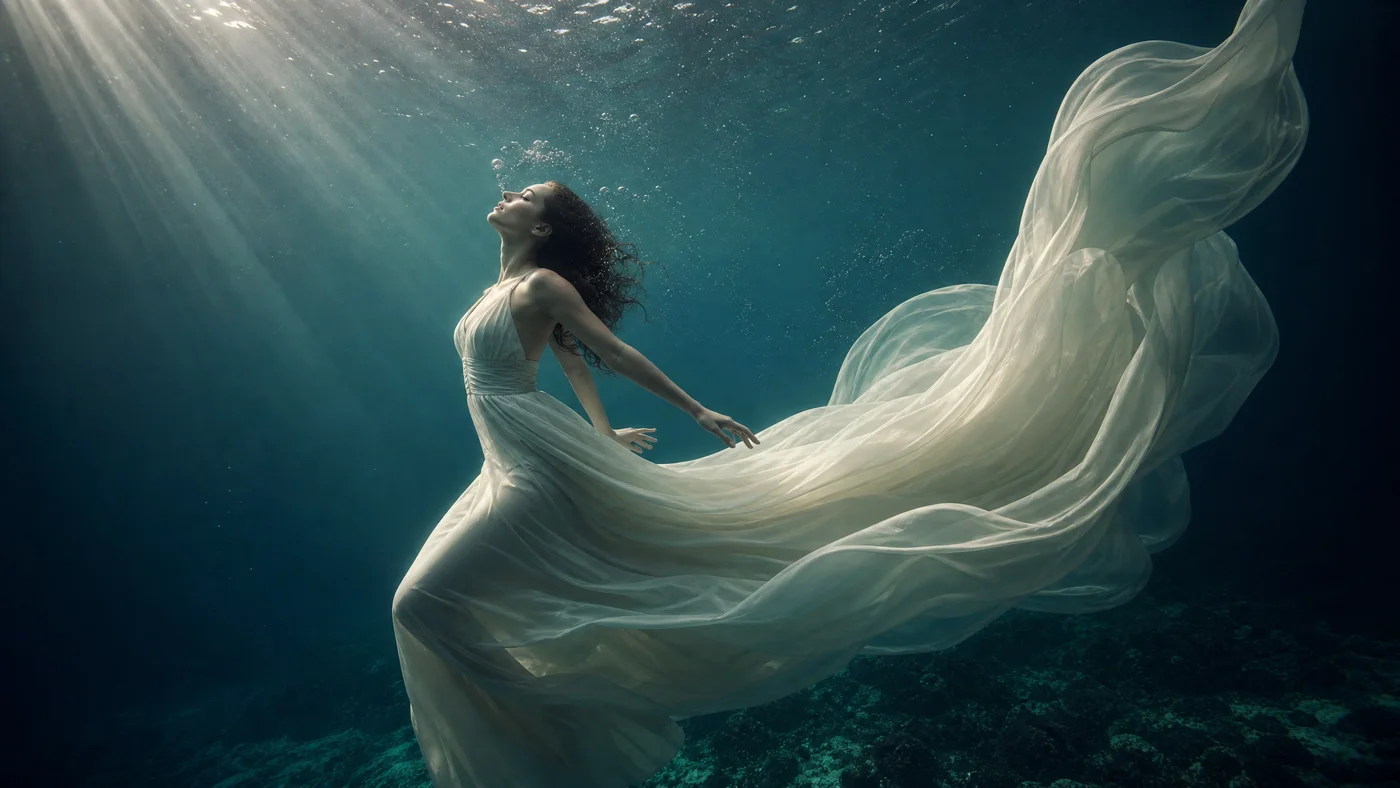
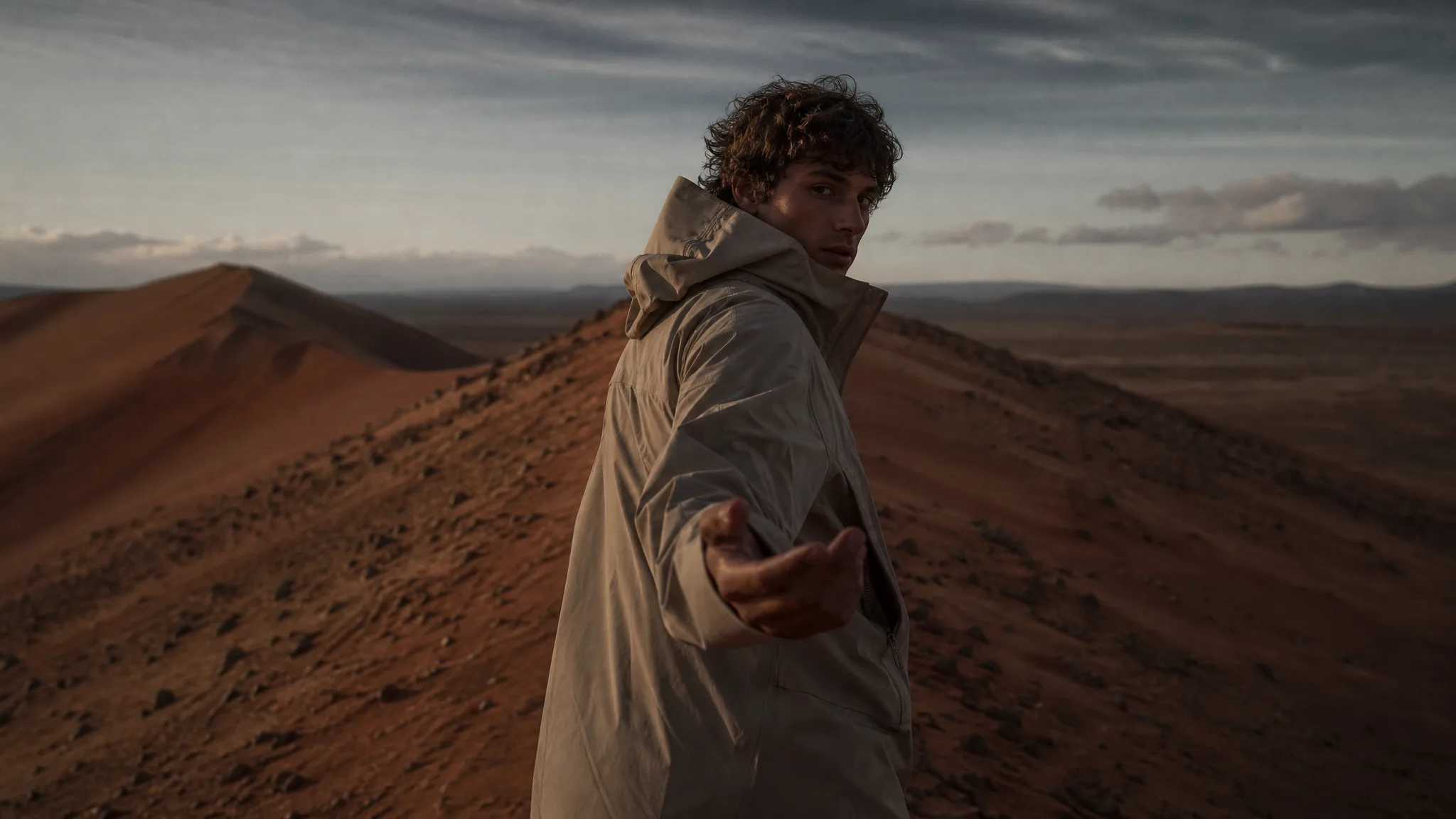
Think it, then make it
The major image and video models, one account.
Start creating
Free to start · No card needed
What will you create?
Images, motion, edits and words. Choose a starting point.

Selected visions
An idea can go anywhere.
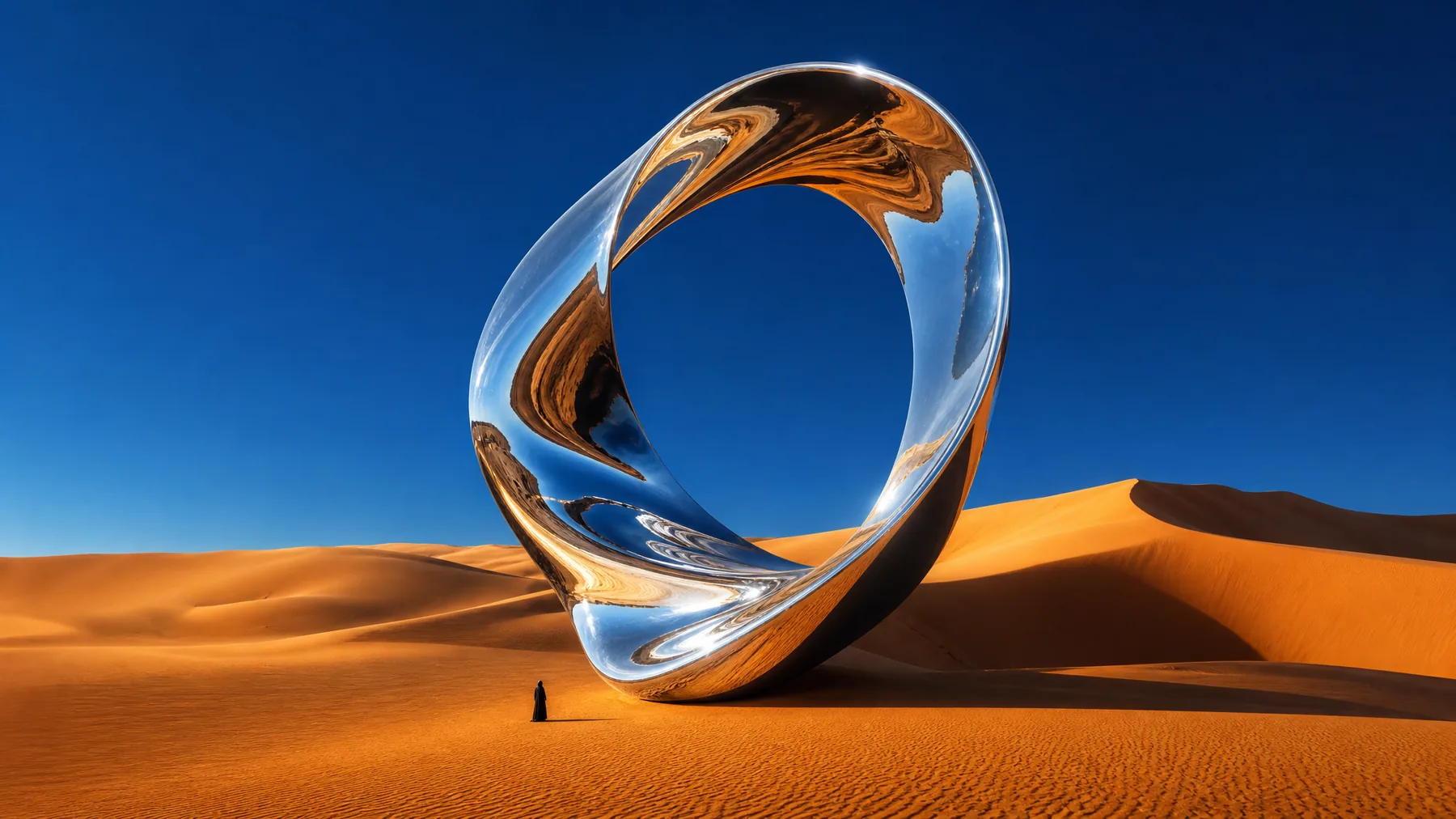
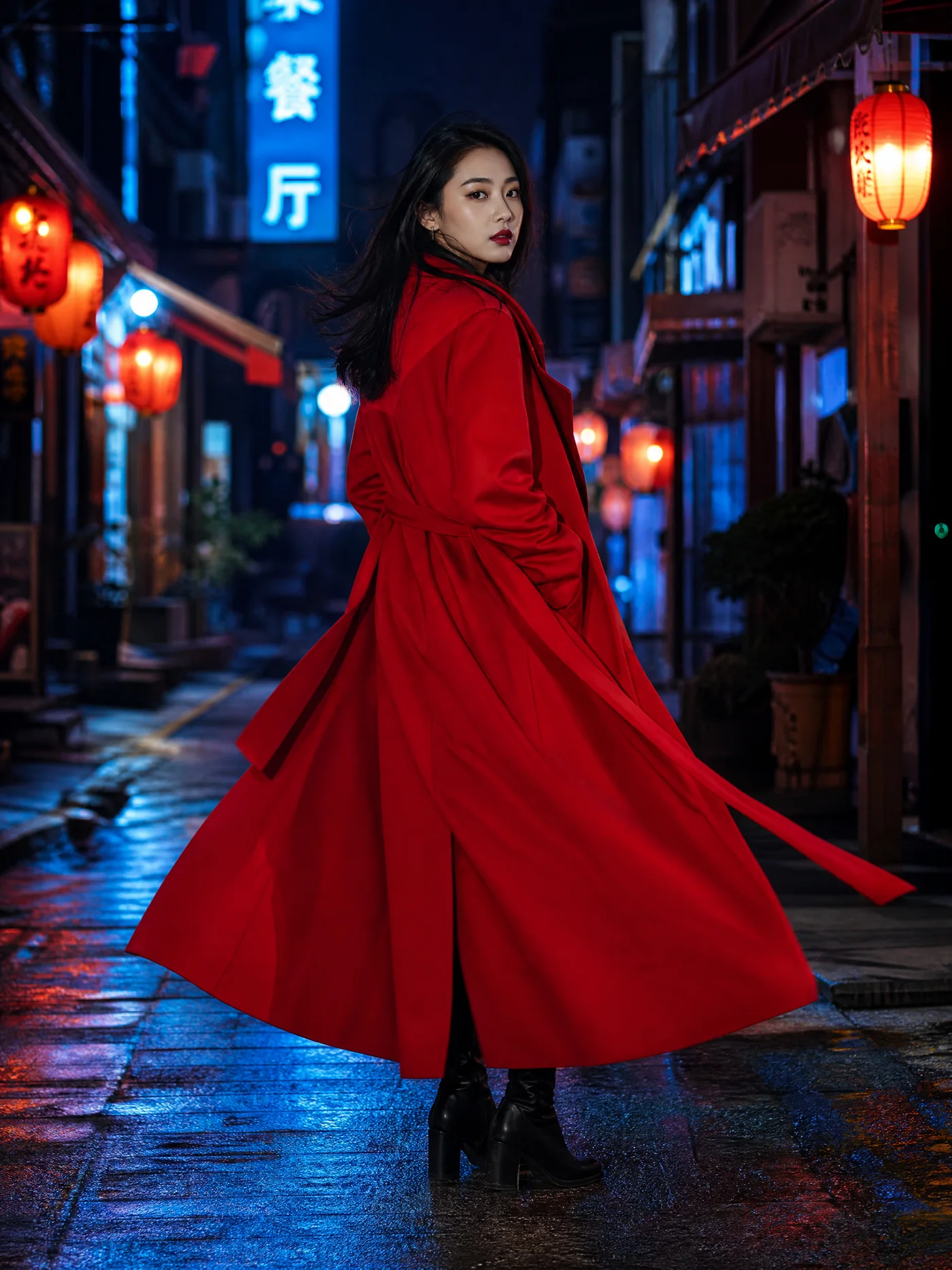
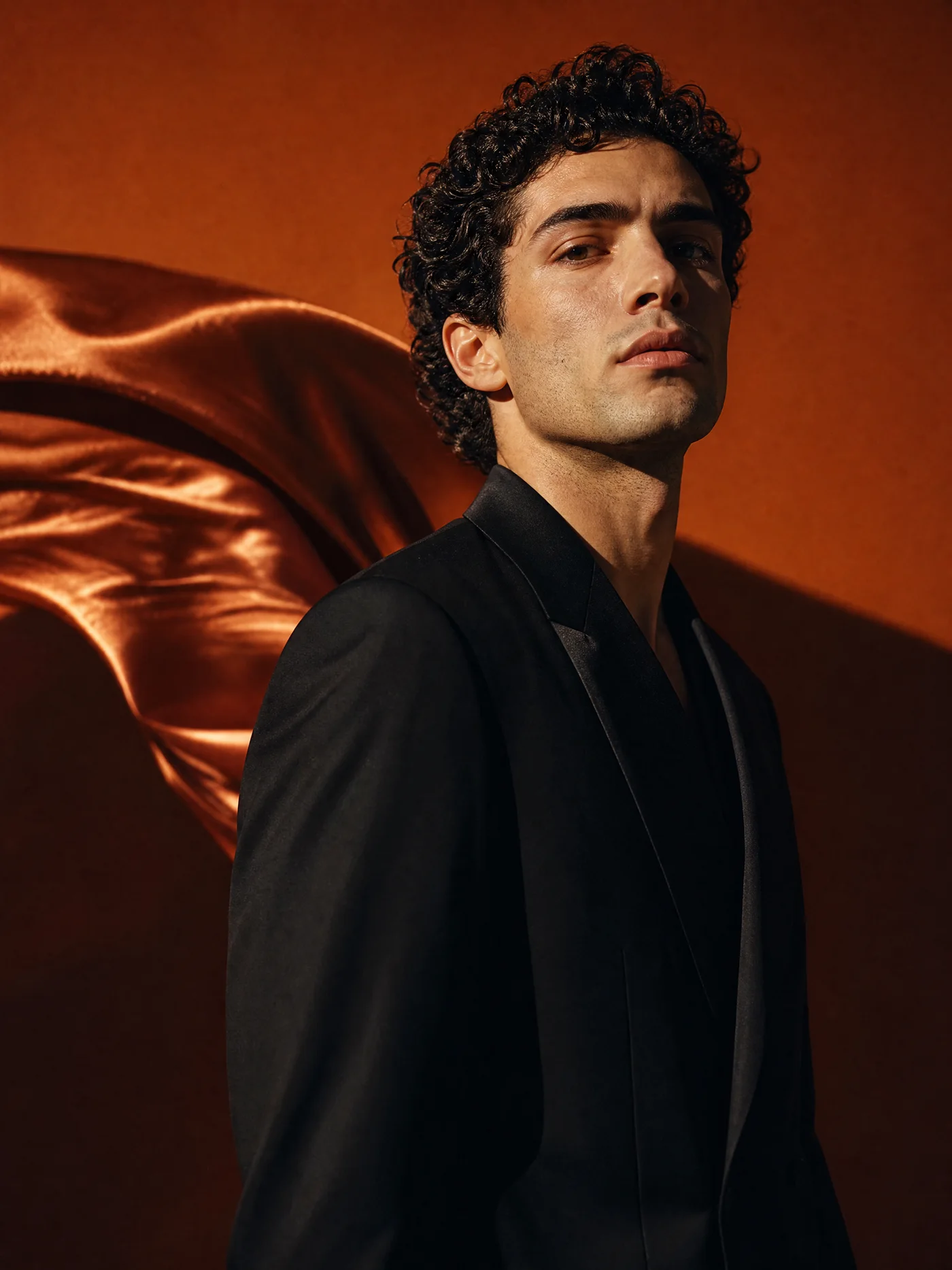
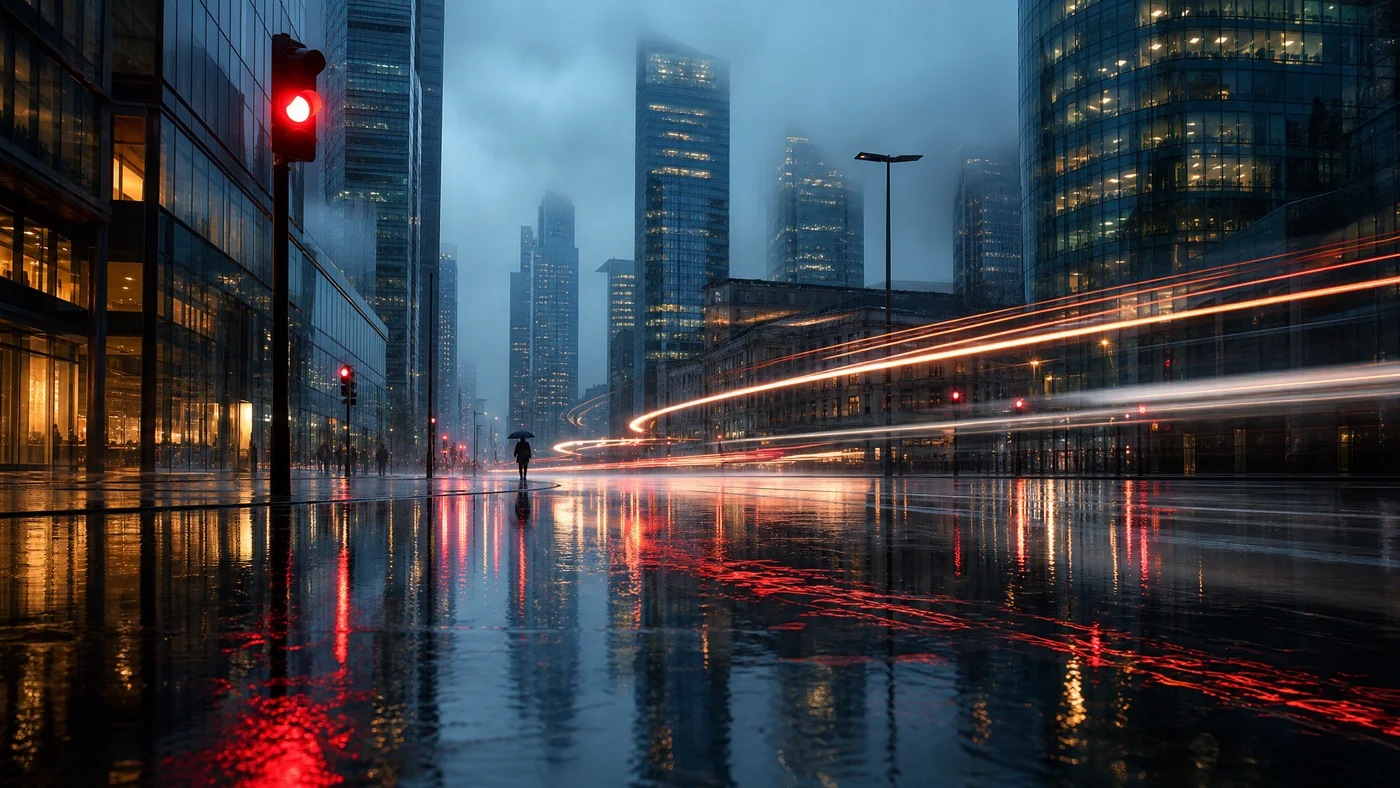
Make a scene.
From a passing thought to a world of your own.
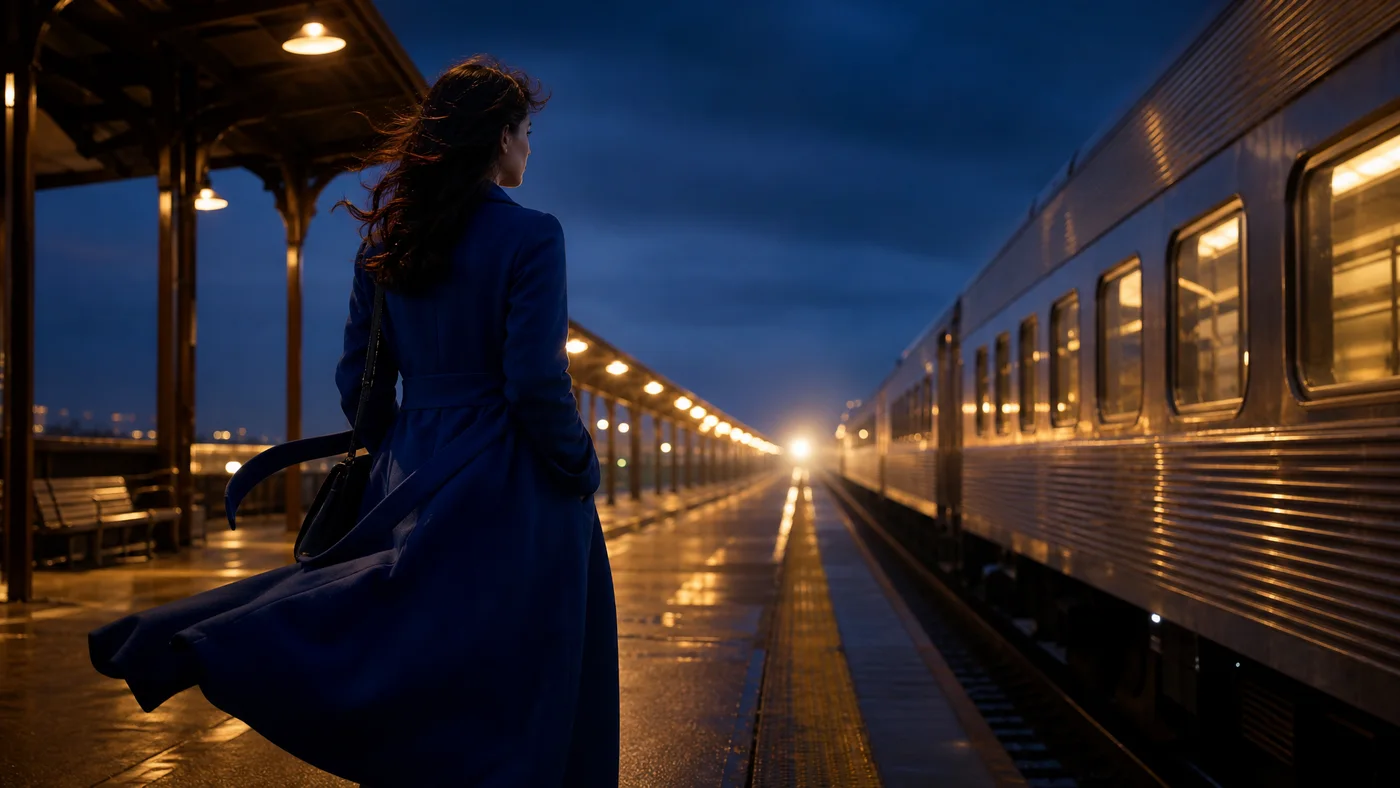
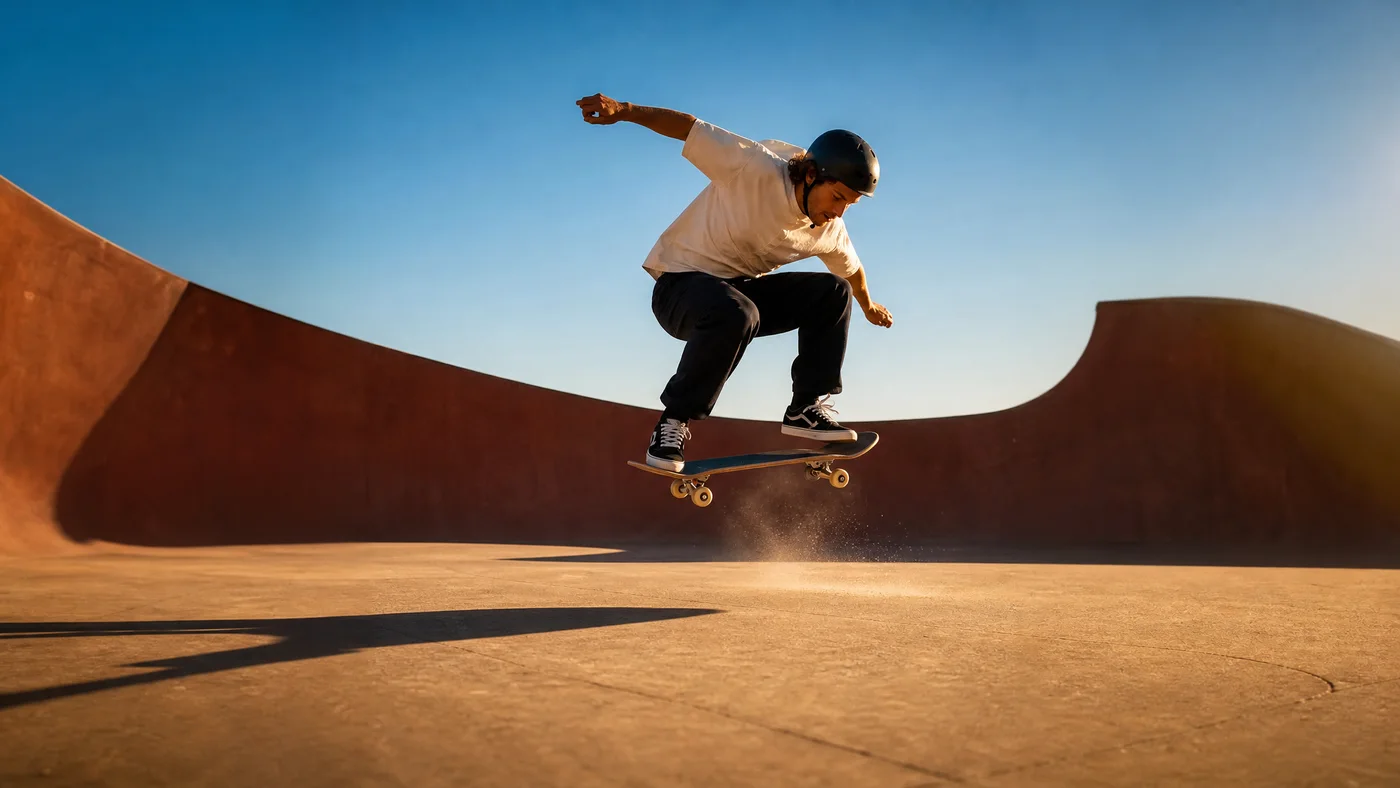
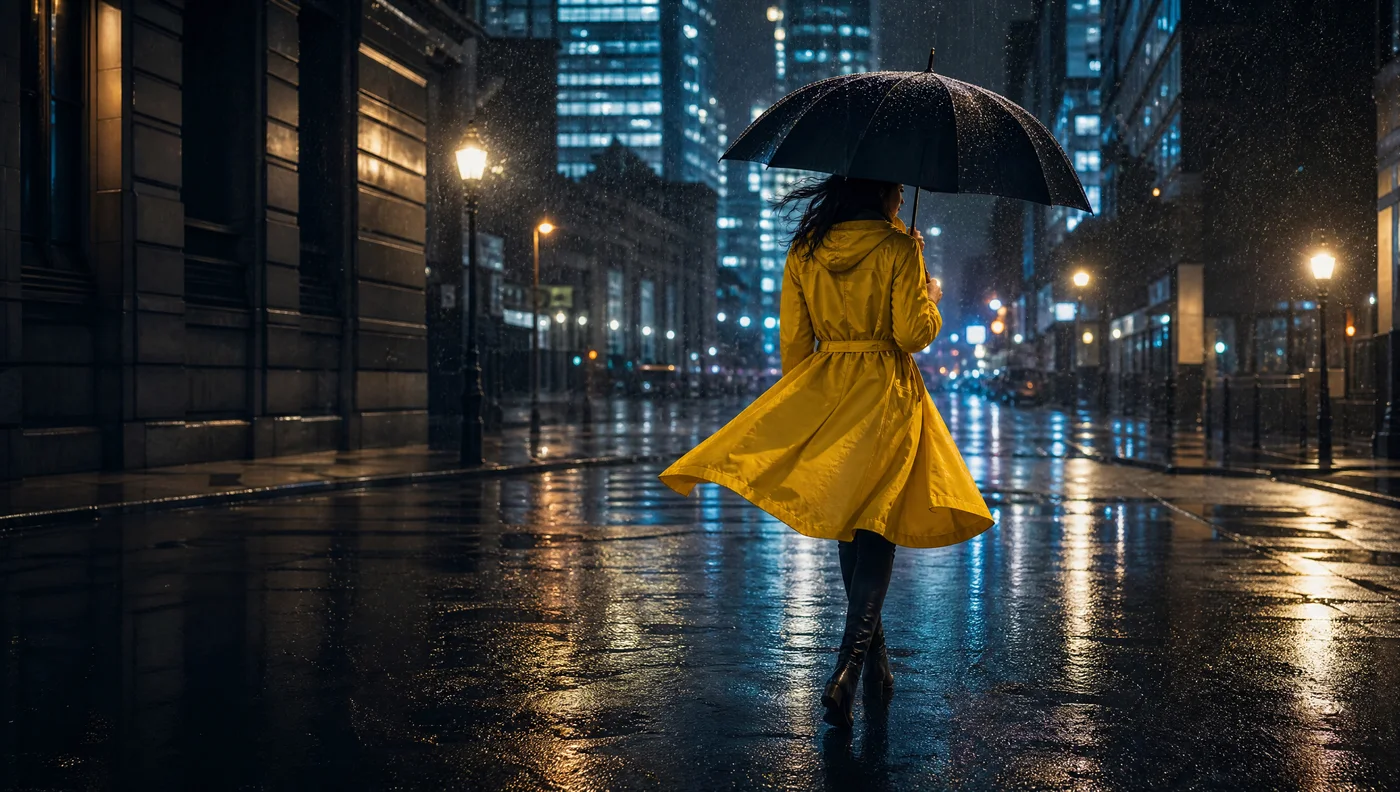
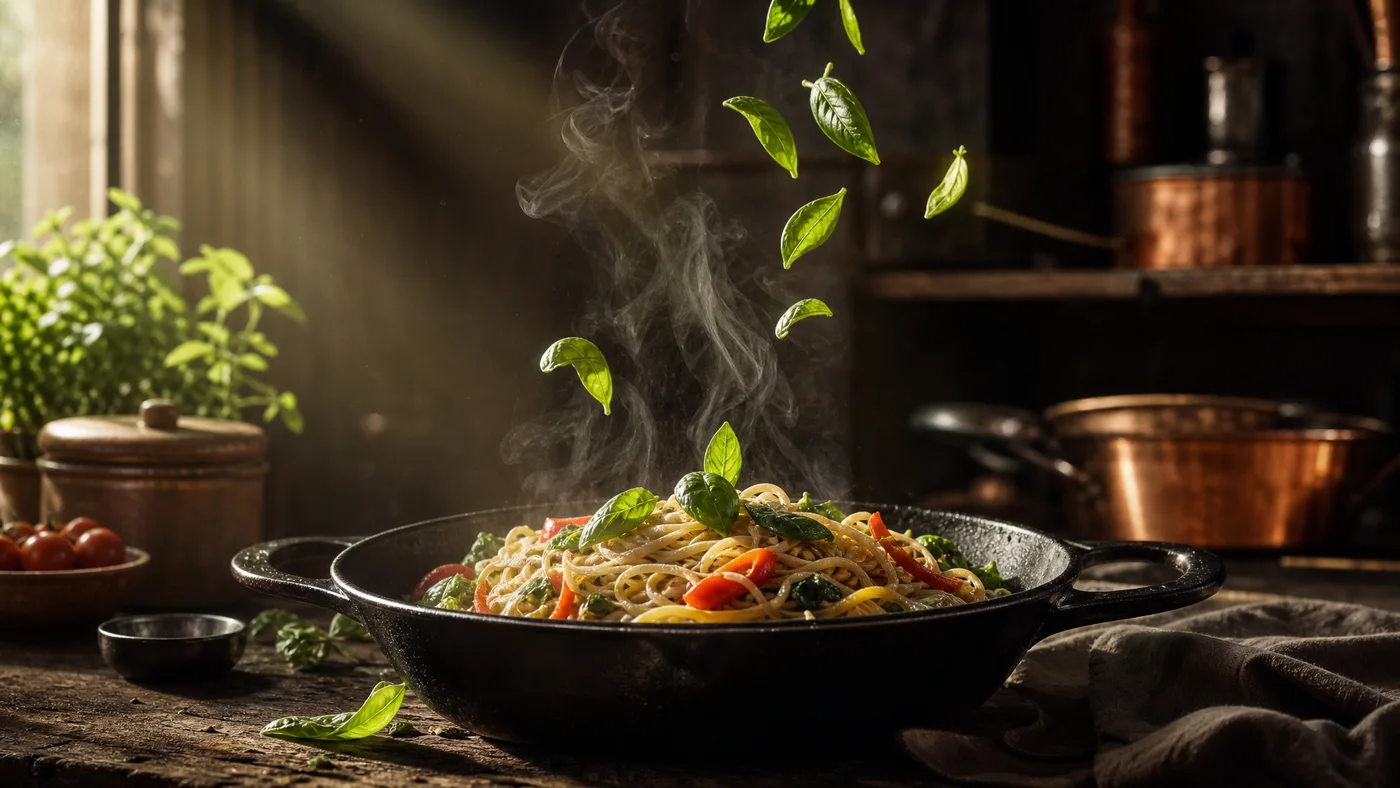
Outside the ordinary
A little closer to the action.
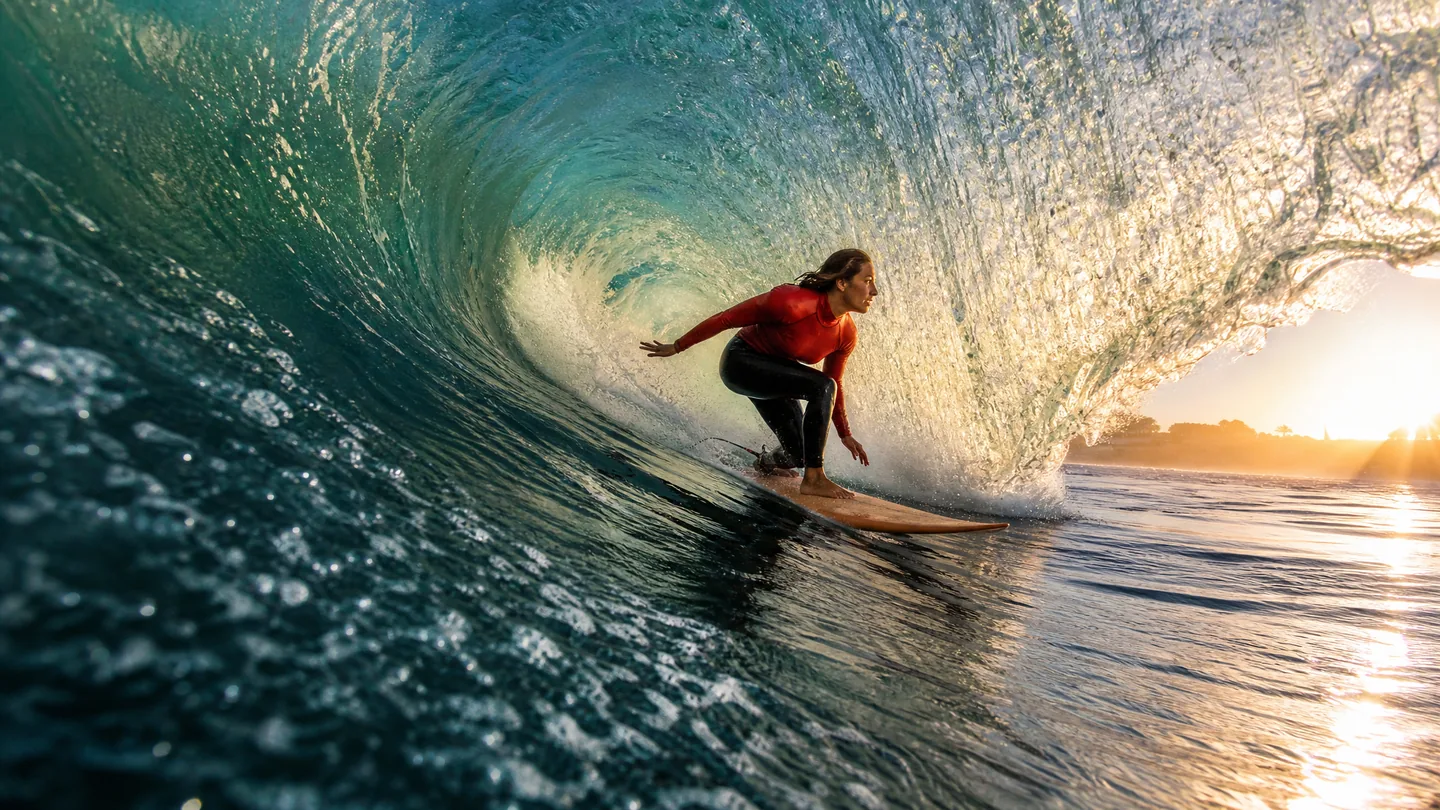
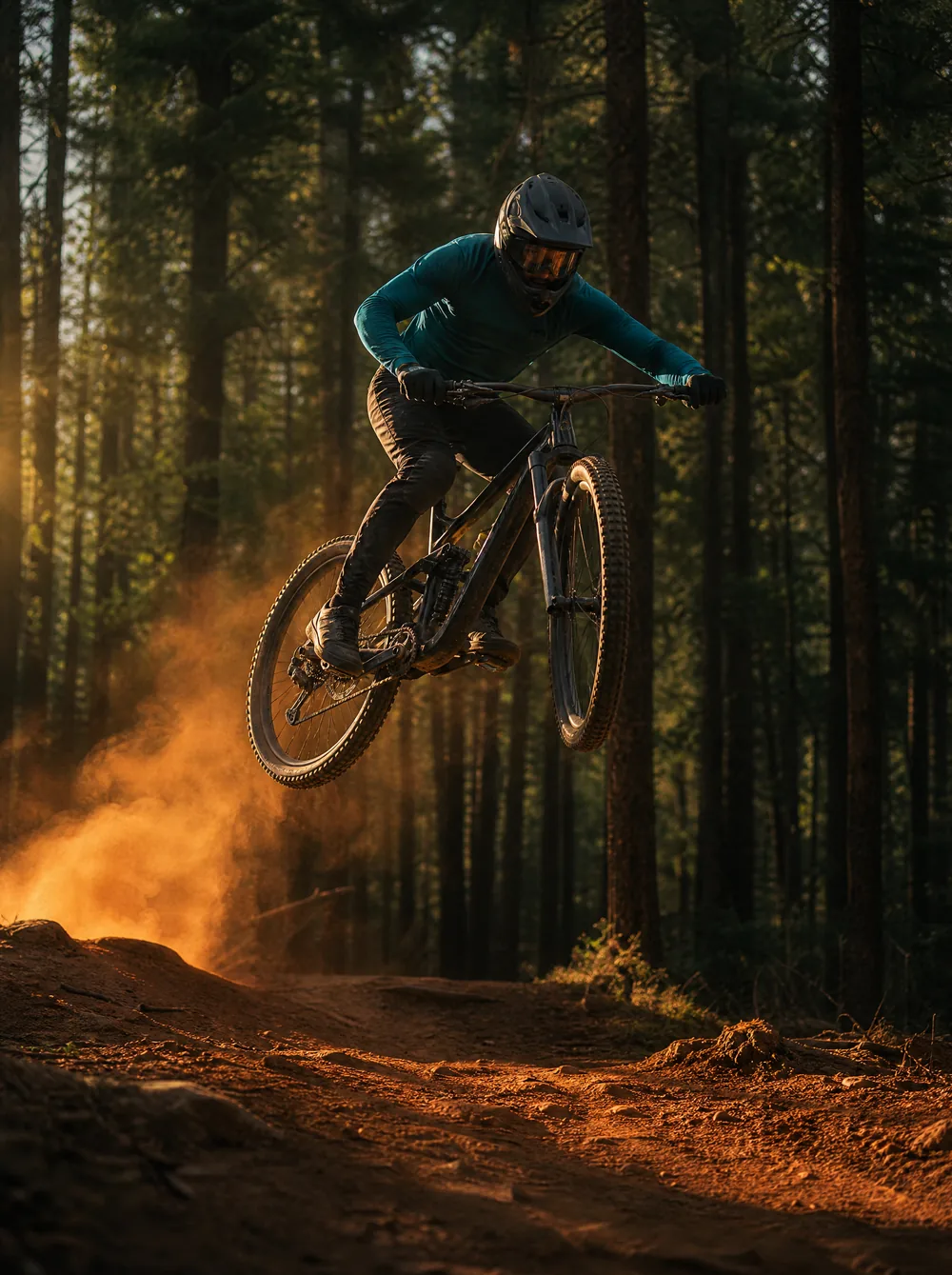
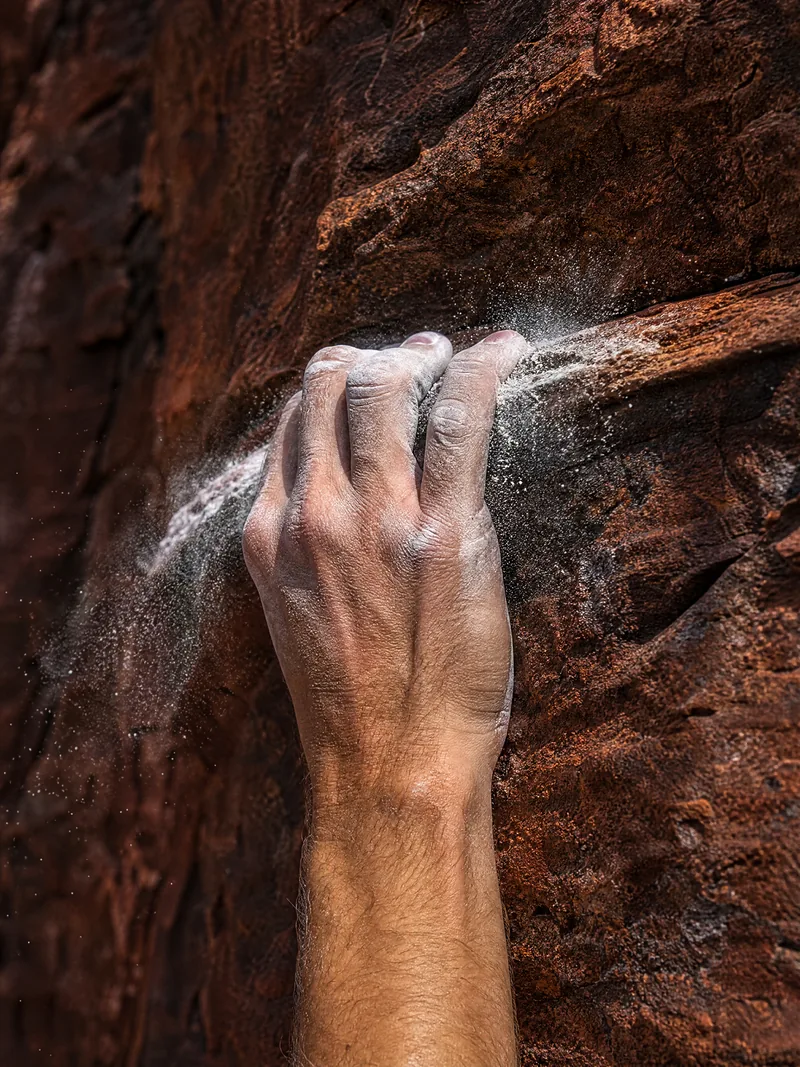
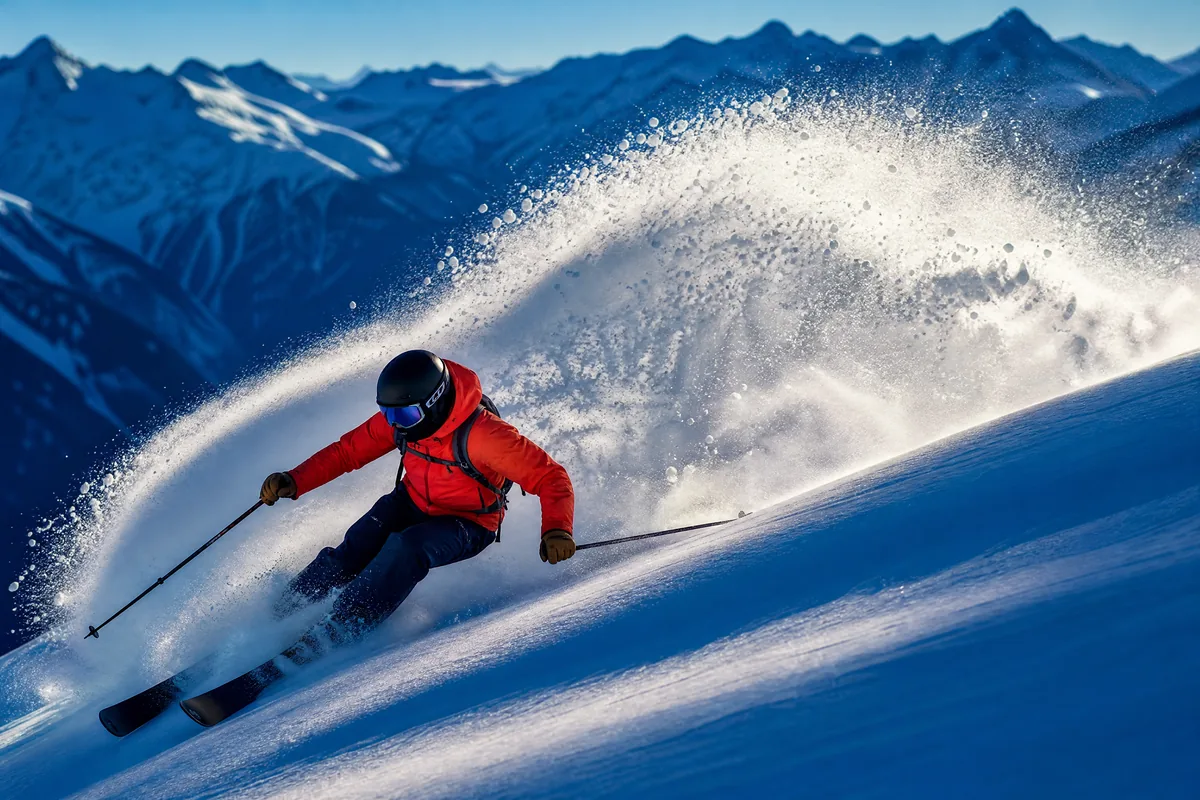
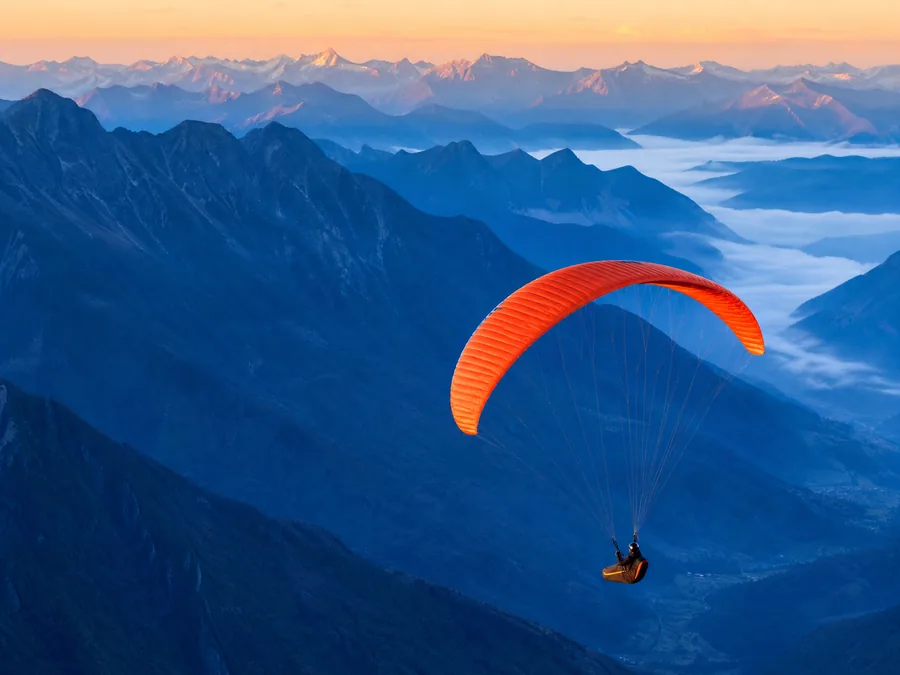
Never just one look.
Portraits, fashion, and everything in between.
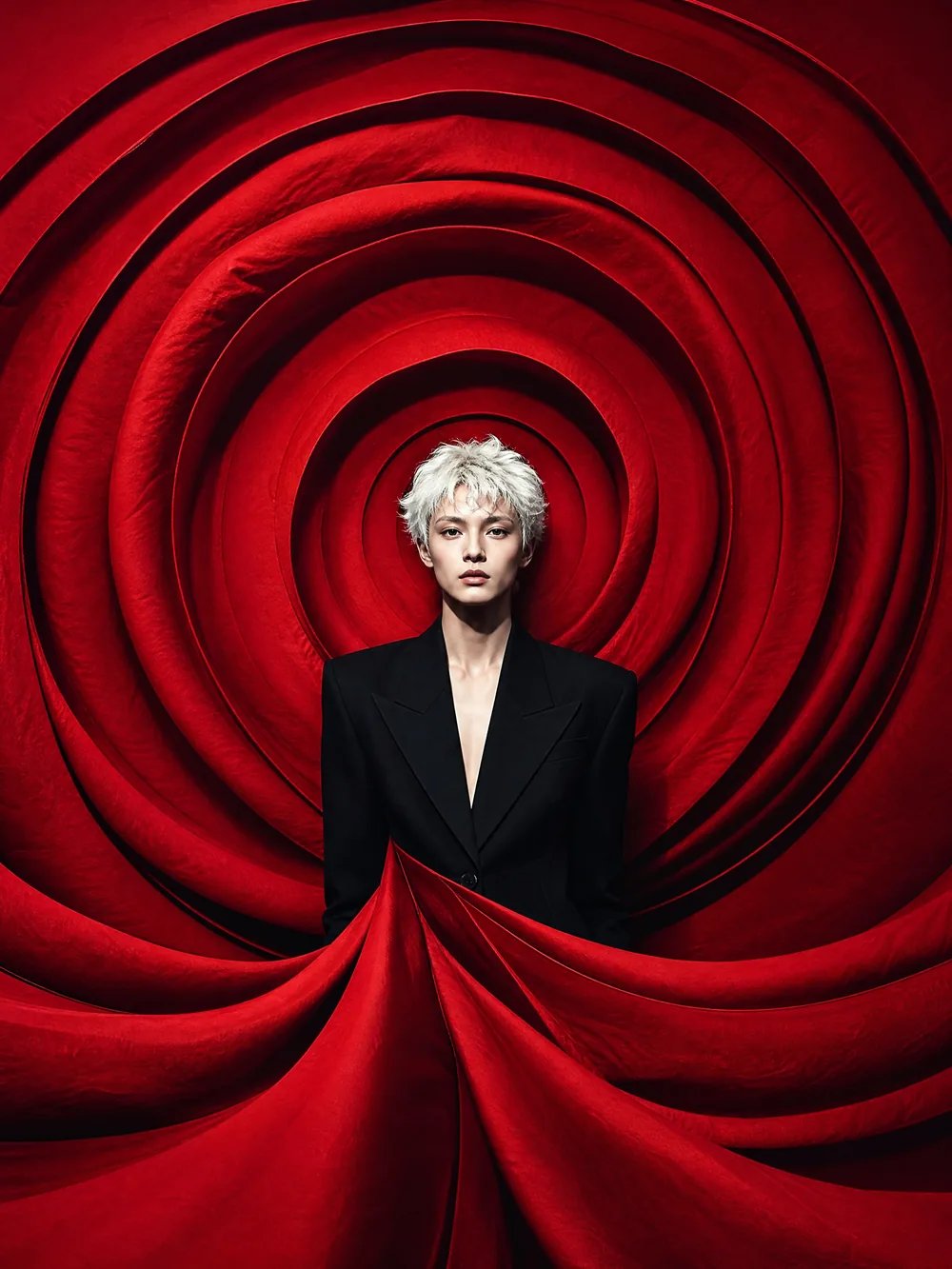
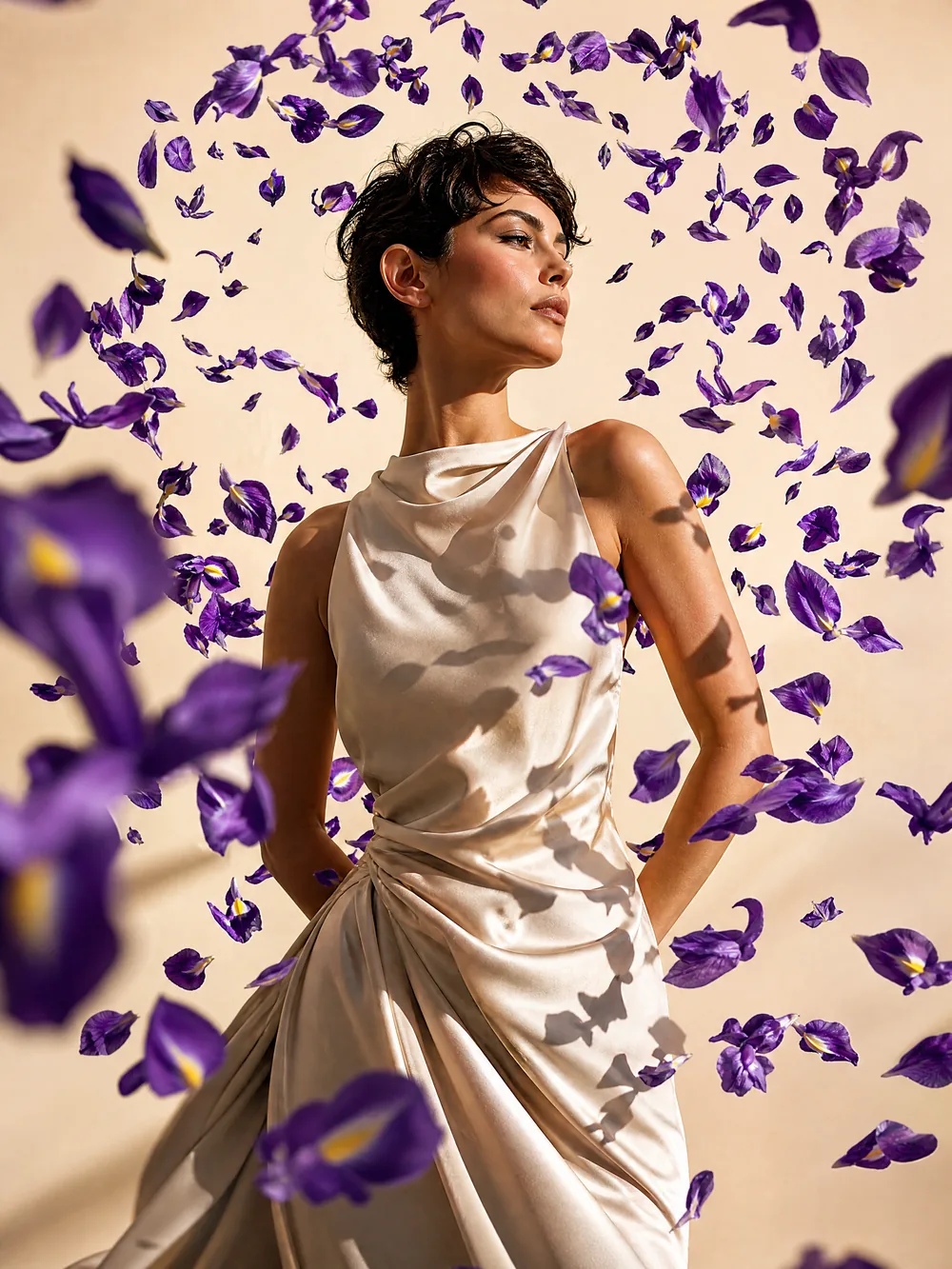
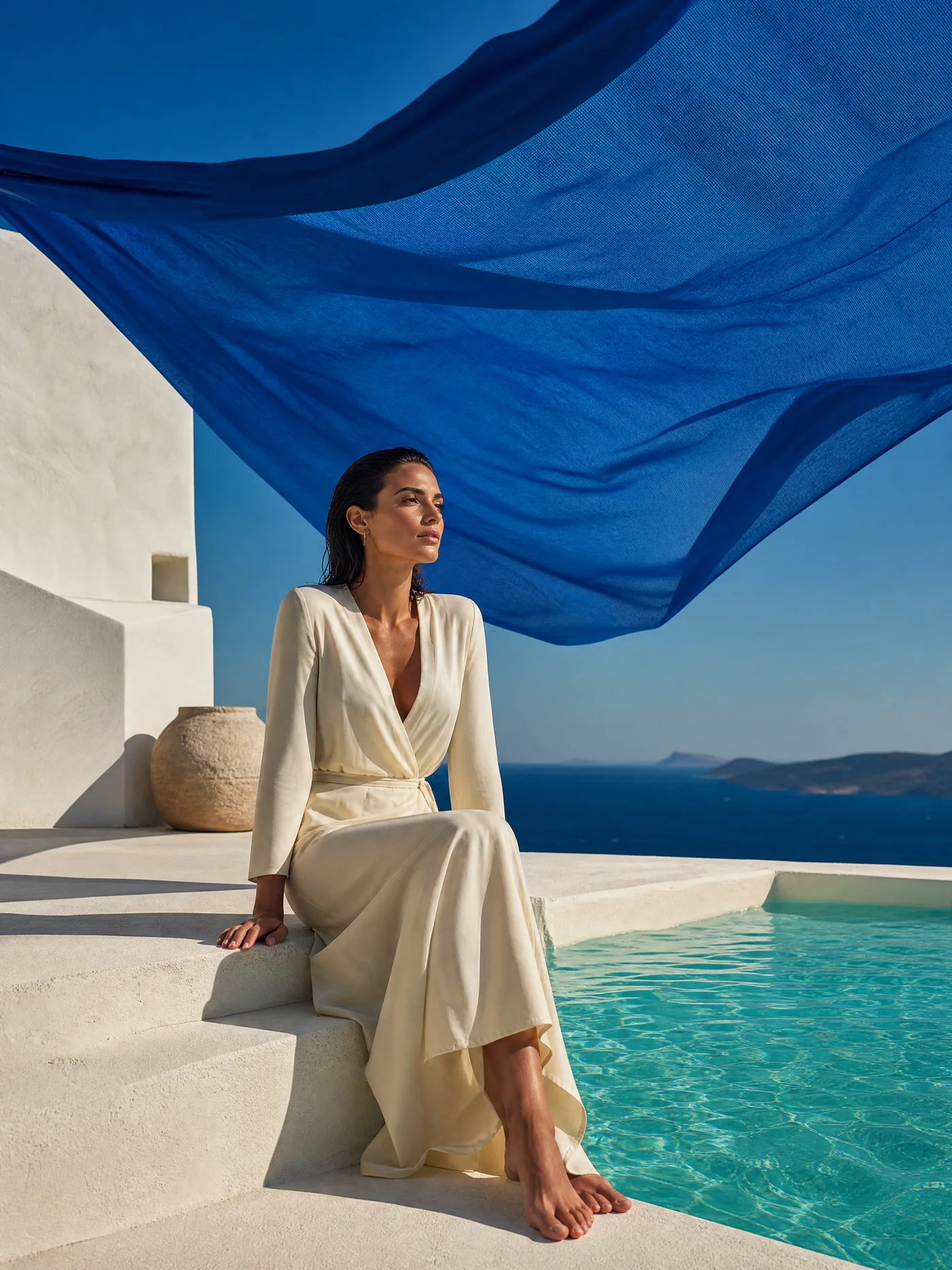
Creative directions
Give your next idea a direction.
Explore materials, people and places. Start with a visual direction, then make it your own.
Product & lifestyle
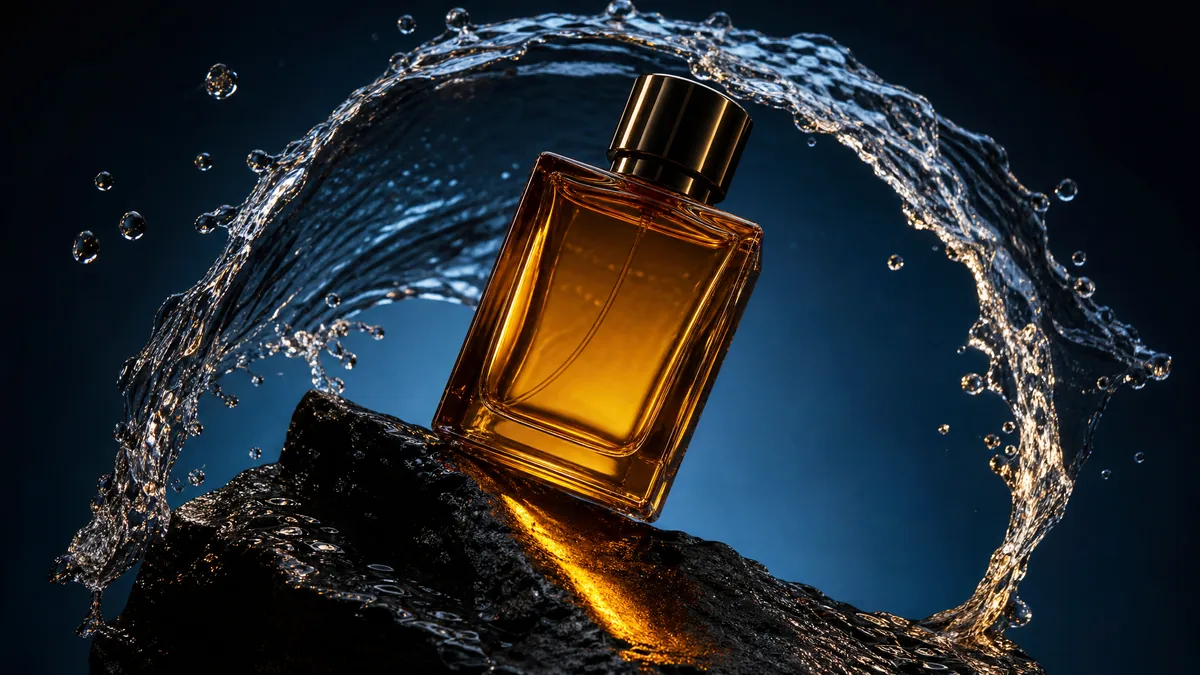
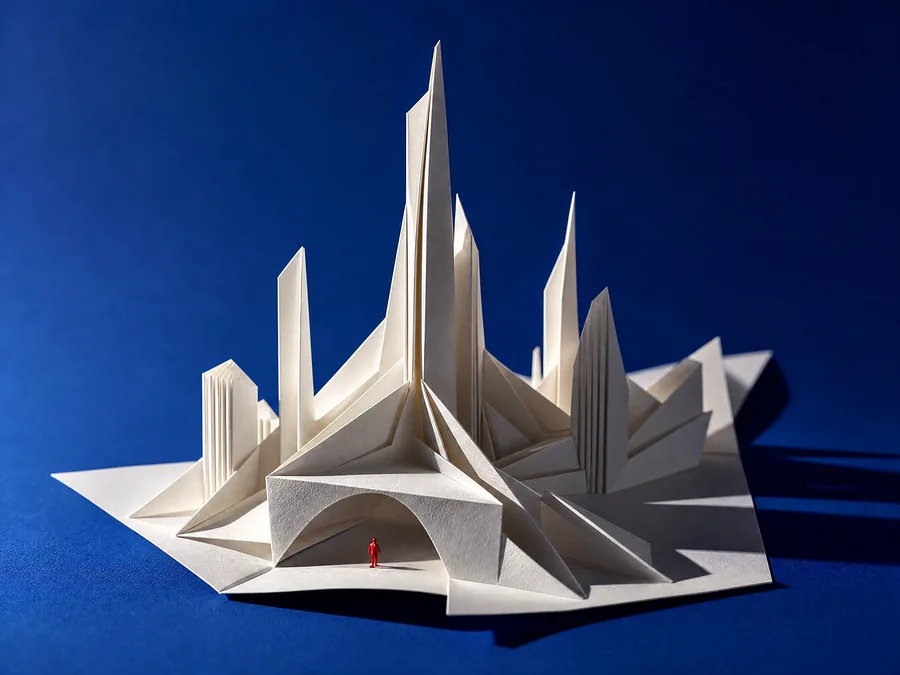
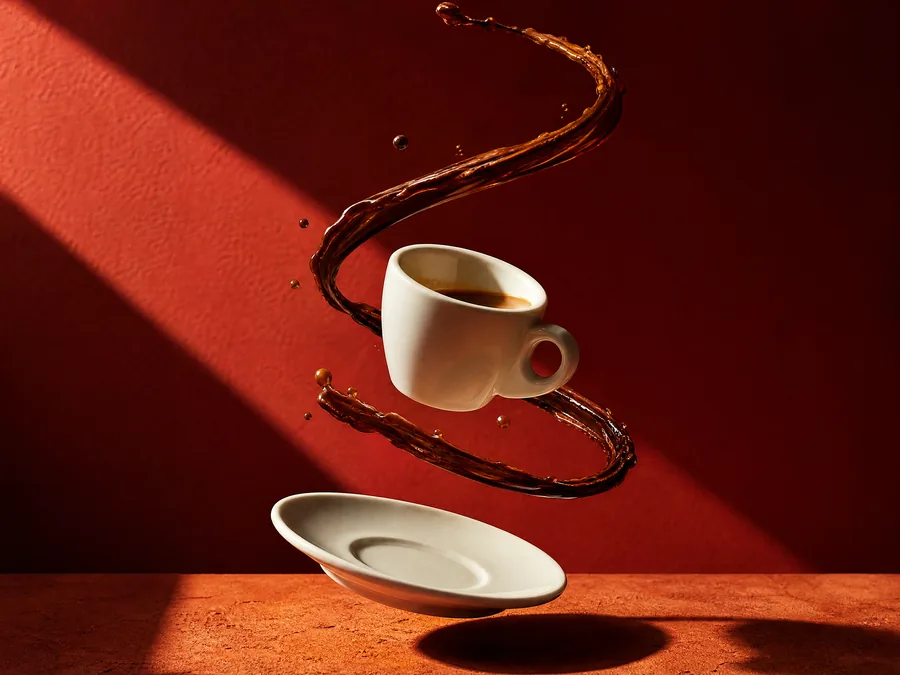
Explore surfaces, light and everyday settings for product imagery, social posts and brand moodboards.
- Material studies
- Everyday context
People & stories
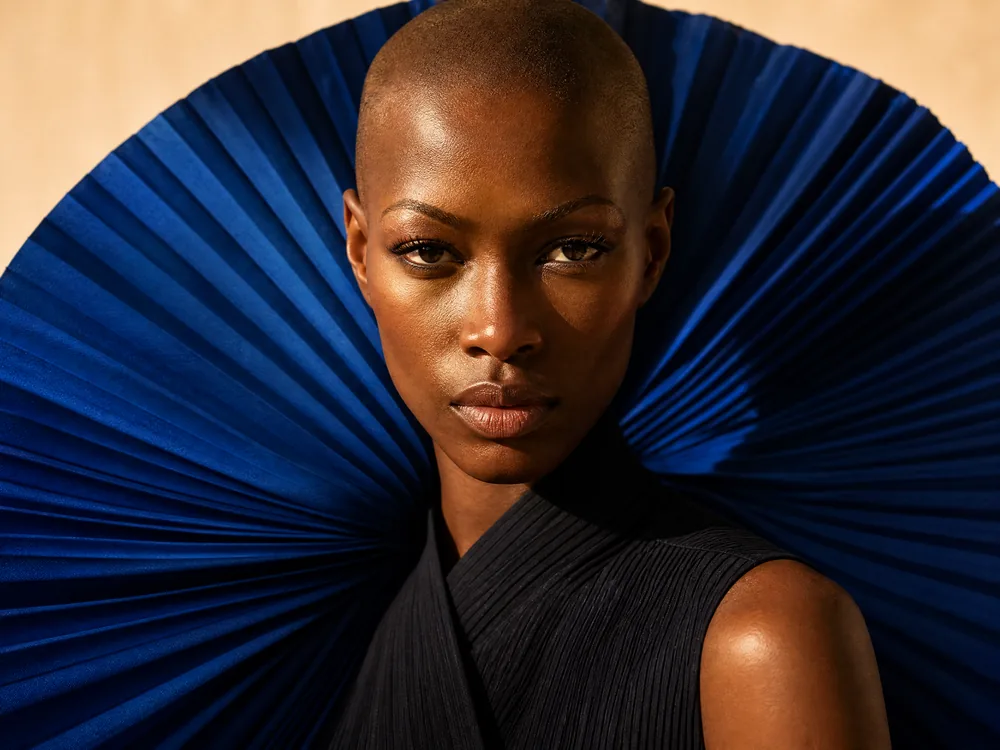
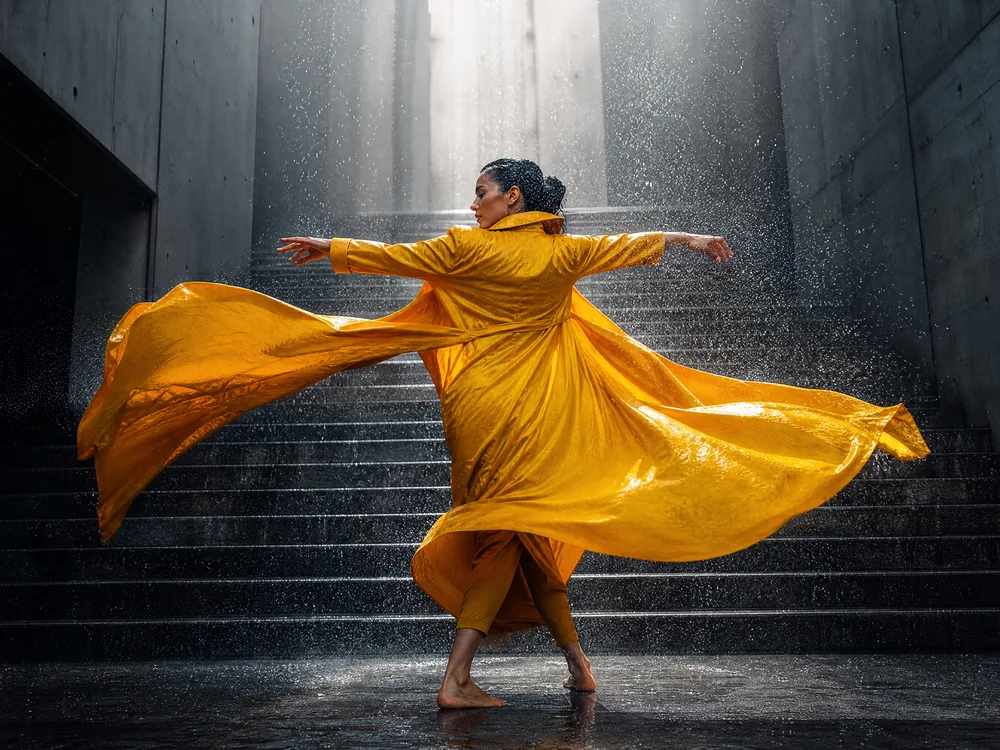
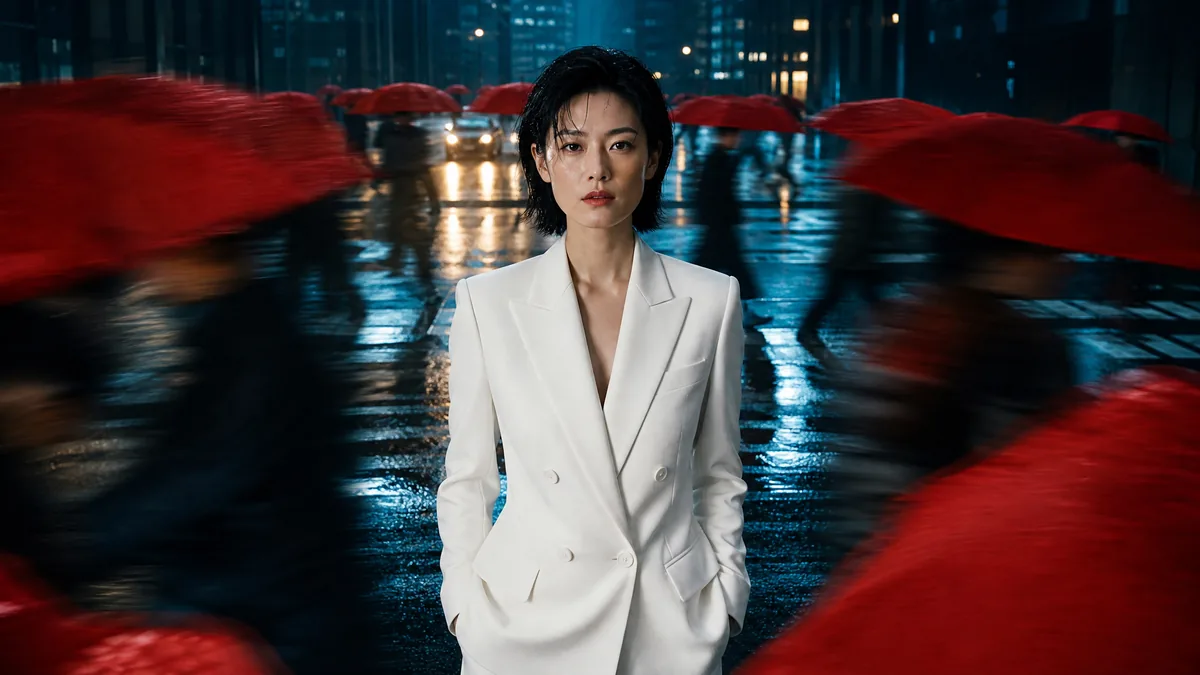
Build a story through expression, wardrobe and location, from intimate portraits to scenes in the city.
- Editorial portraits
- Street stories
Spaces & atmosphere
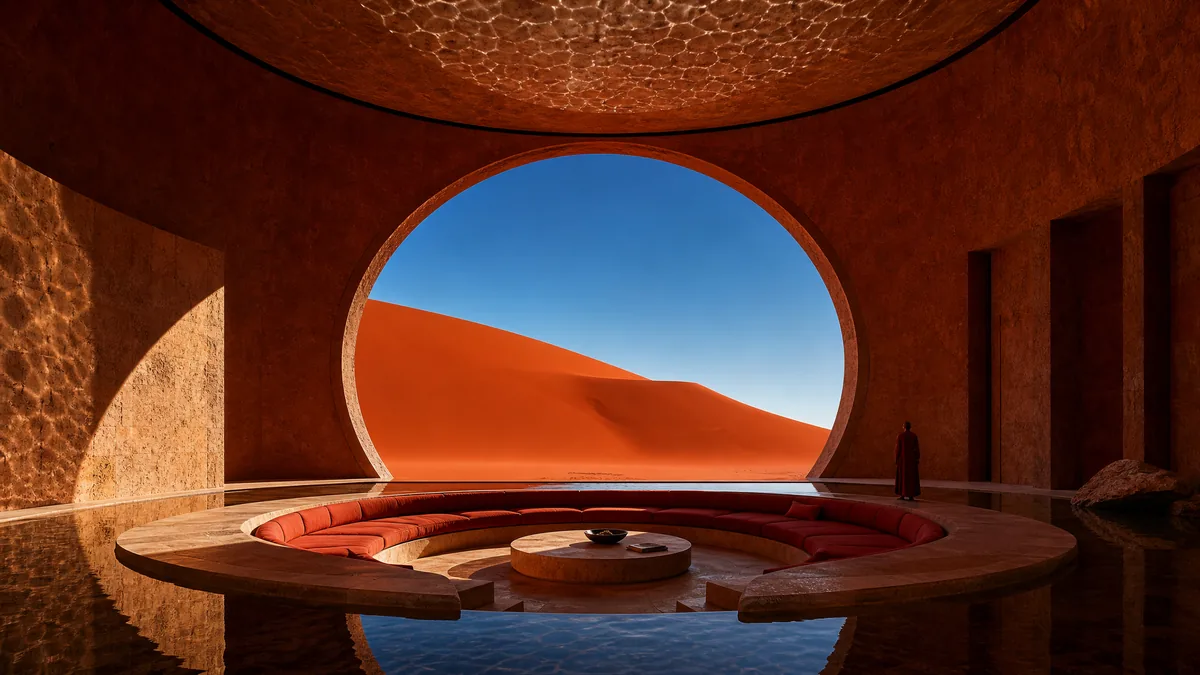
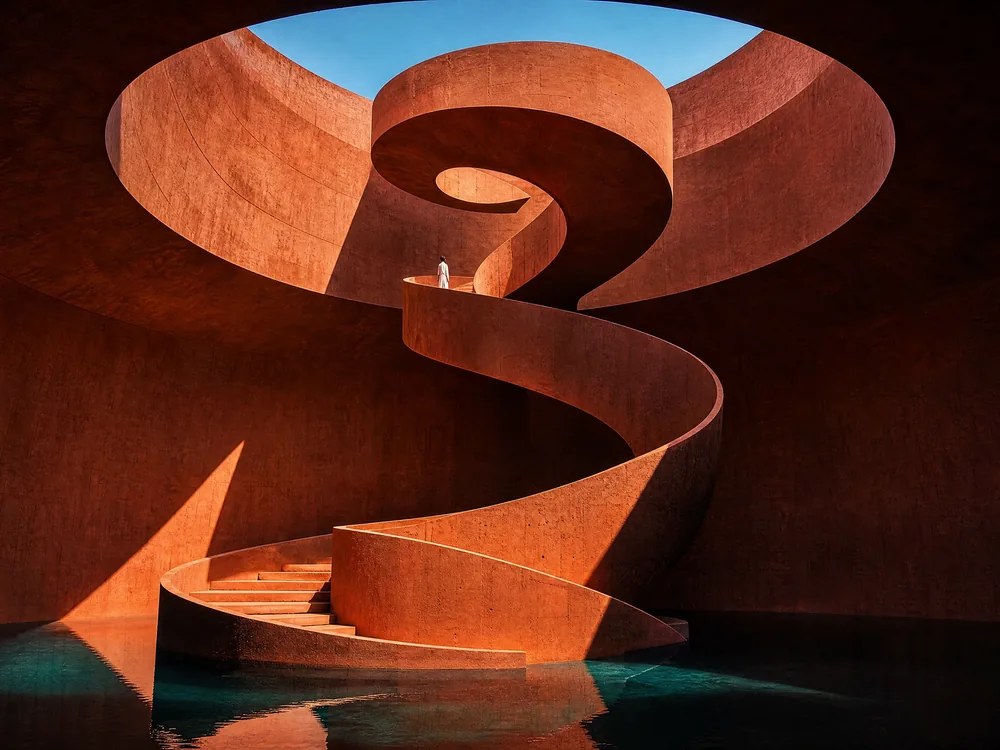
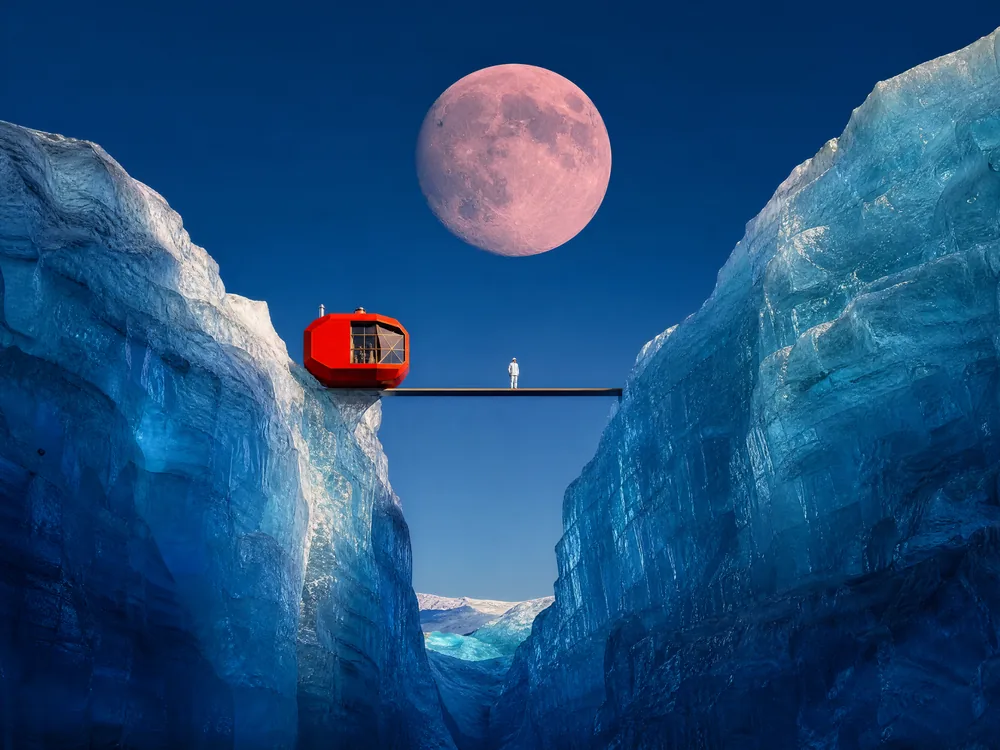
Look to architectural lines, natural light and open landscapes for interiors, concepts and scene design.
- Natural light
- Scene studies
Selected visions
Every mood. Every medium.


Posters, illustration & still life.
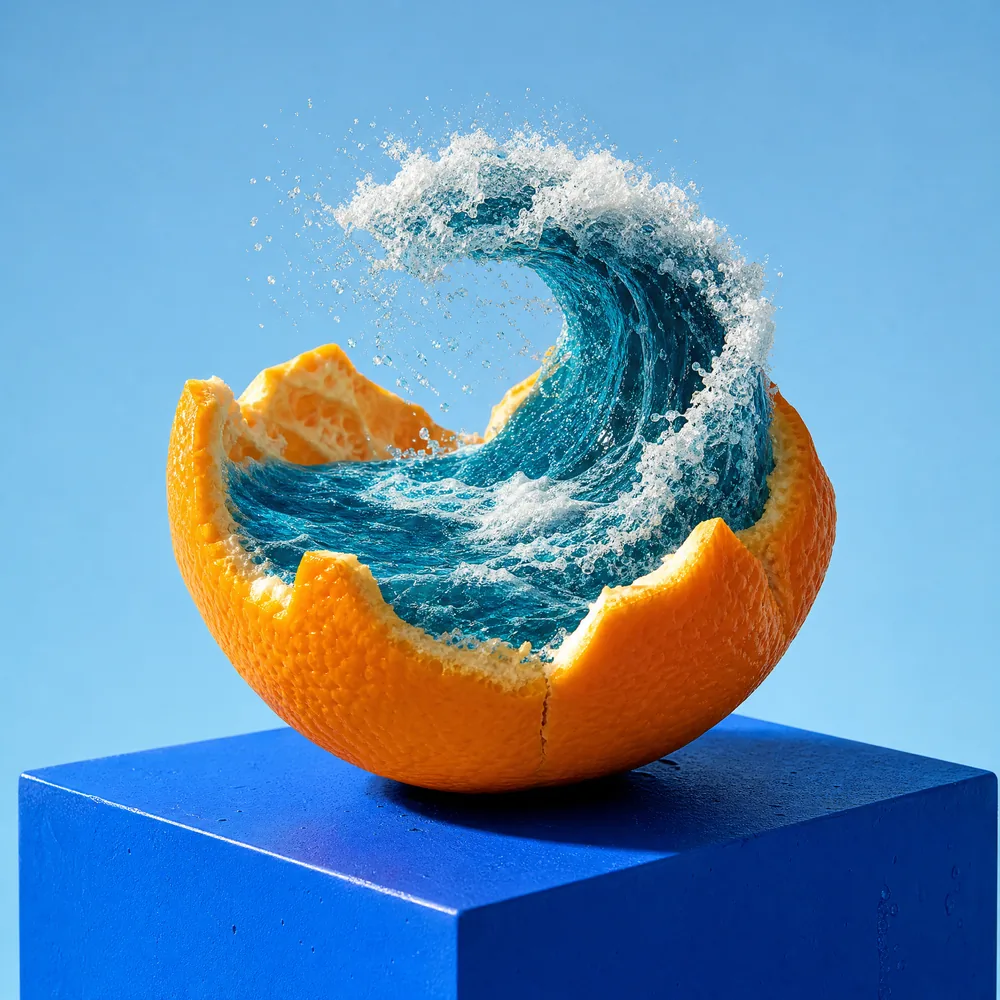
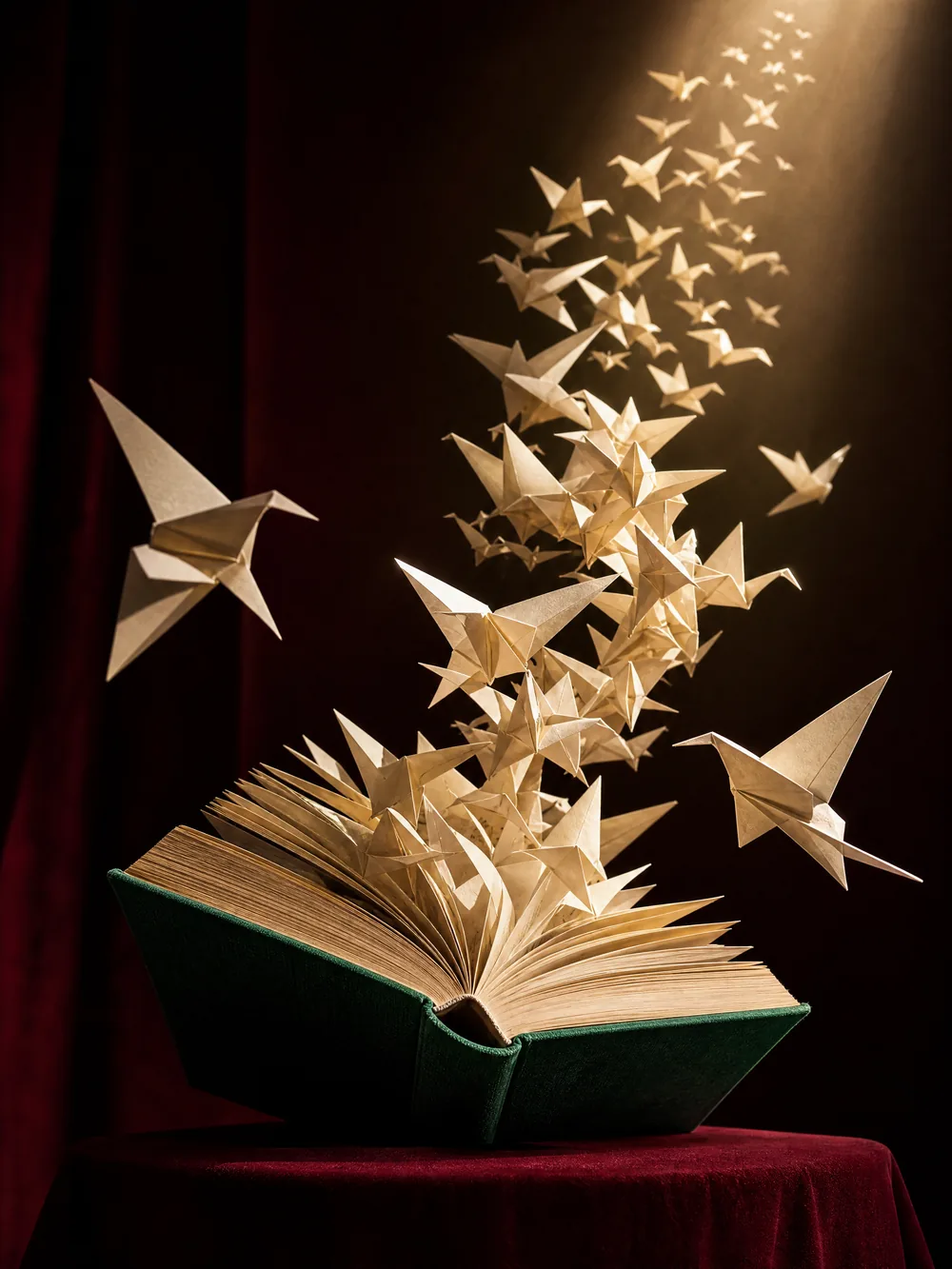
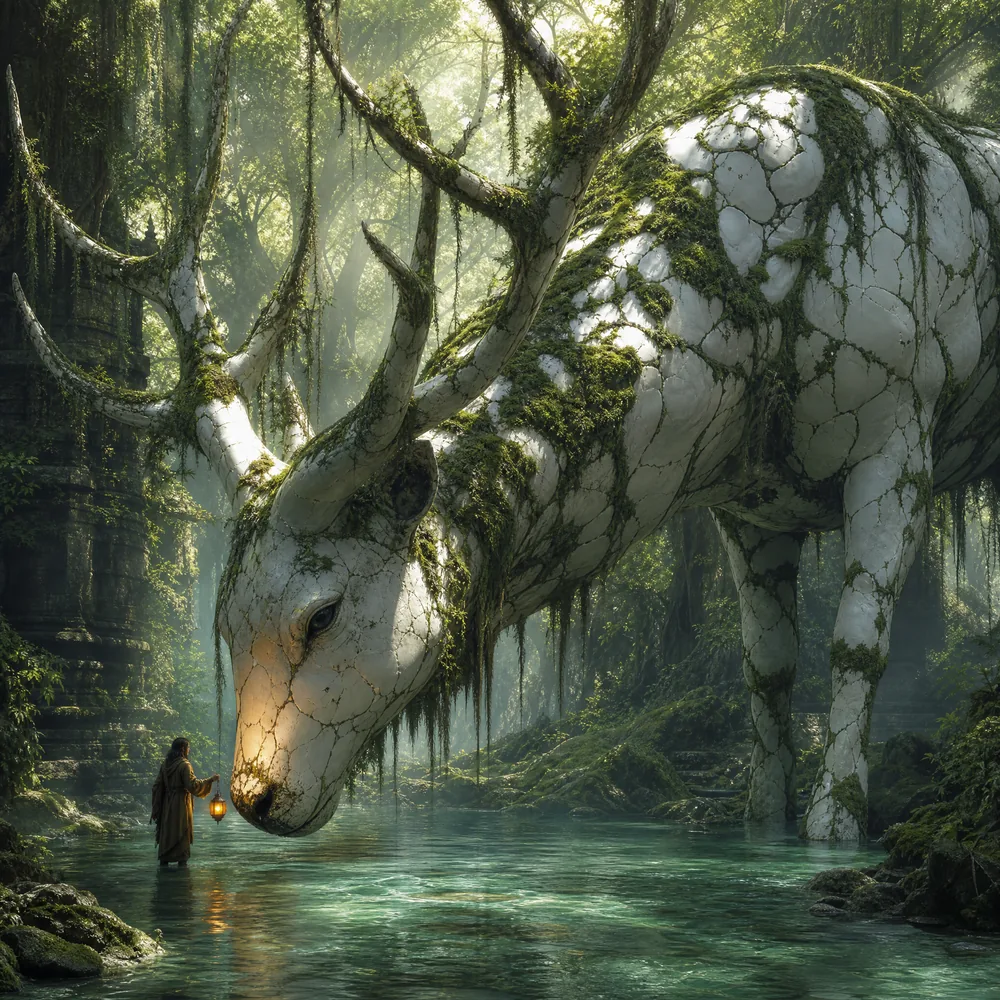
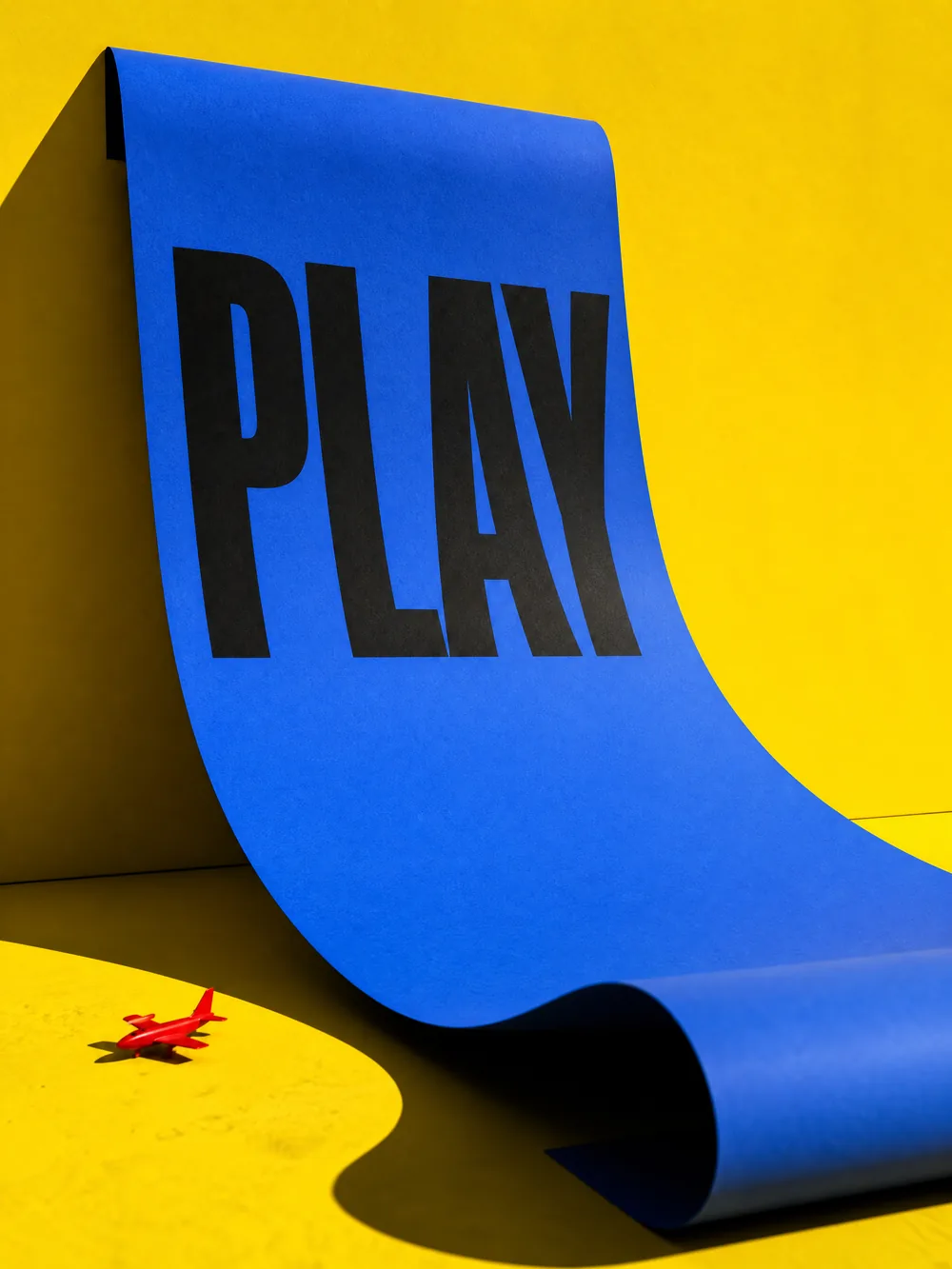
Creator notes
Think like an art director.
A clear brief gives your next experiment a stronger starting point. Begin with the details that matter to the image.

A figure on a rooftop at blue hour. A dark coat caught by the wind, warm city lights below. Wide framing, a quiet mood, a distant horizon.
01
Start with the feeling.
Name the subject, setting and mood. A quiet rooftop at dusk gives more direction than simply “cinematic.”
02
Compose for the canvas.
Choose a ratio on supported models. Describe the light, camera position and space around the subject.
03
Put an idea into wordsMake the next version intentional.
Change one detail at a time. Review faces, text and fine details before choosing the image you want to publish.
Your creative toolkit
A starting point for every idea.
Start from a prompt
Nano Banana 2
Explore visual concepts with a written brief and a choice of image formats.
Prompt · Aspect ratio · Output format
Work with a reference
Nano Banana
Bring an image and describe the changes you want to explore.
Image upload · Editing prompt
Explore image & design
GPT Image 1.5
Develop images with optional references and adjustable quality settings.
Reference image · Quality options
Think in motion
Wan 2.7
Start a video idea with a scene, movement and a sense of camera direction.
Video prompt · Aspect ratio
Options vary by model. Review the available settings and estimated credits on the model page before creating.
A few things to know
What can I create with Ruxa?
Explore AI image generation, image editing and video creation from one place. Start with a tool or browse the model directory to find the settings for your idea.
How do I check the credits needed for a creation?
Choose a model and review its settings and estimated credits before submitting. Usage can vary by model and selected options. Sign in to see your current balance, and visit the pricing page for credit information.
What should I check before publishing or using an output commercially?
Make sure you have the rights to any material you upload. Use of outputs is subject to applicable terms, including those for the chosen model. Review visual details, text and any third-party rights before publishing.
Can I work with my own images?
Yes. Models with image input let you upload a reference and describe your changes. Supported formats, file limits and available editing options are shown in the selected tool.
What do I need to get started?
You can browse the tools and visual inspiration first. When you are ready to create, sign in, check your available credits and choose a model. A short description of the subject, setting and style is a useful starting point.