LogoRuxa.ai

Google · Gemini 3 Pro Image

Nano Banana Pro AI Image Generator

Give every reference a clear role.

Nano Banana Pro

Take your idea to the studio, choose settings, then generate.

Build a visual brief around the things that matter: the product silhouette, a particular light, and the look of a collection. Use Nano Banana Pro to explore a considered composition, with reference images supplying details that words alone leave open. Settle the image before choosing its final resolution.

Available options and estimated credits are shown in the studio.

Vermilion ceramic koi above concentric porcelain terraces
Nano Banana ProIMAGE STUDY

FIND YOUR CREATIVE DIRECTION

See what Nano Banana Pro changes

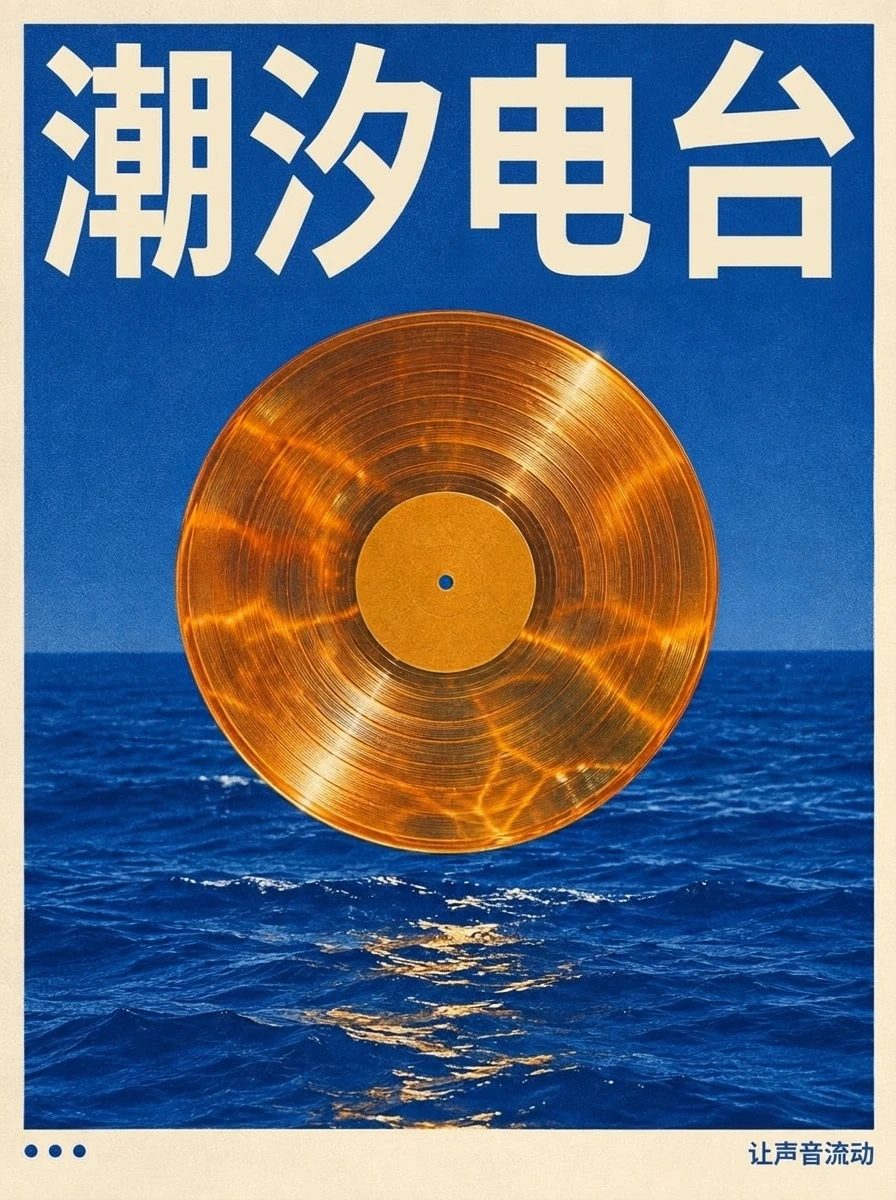
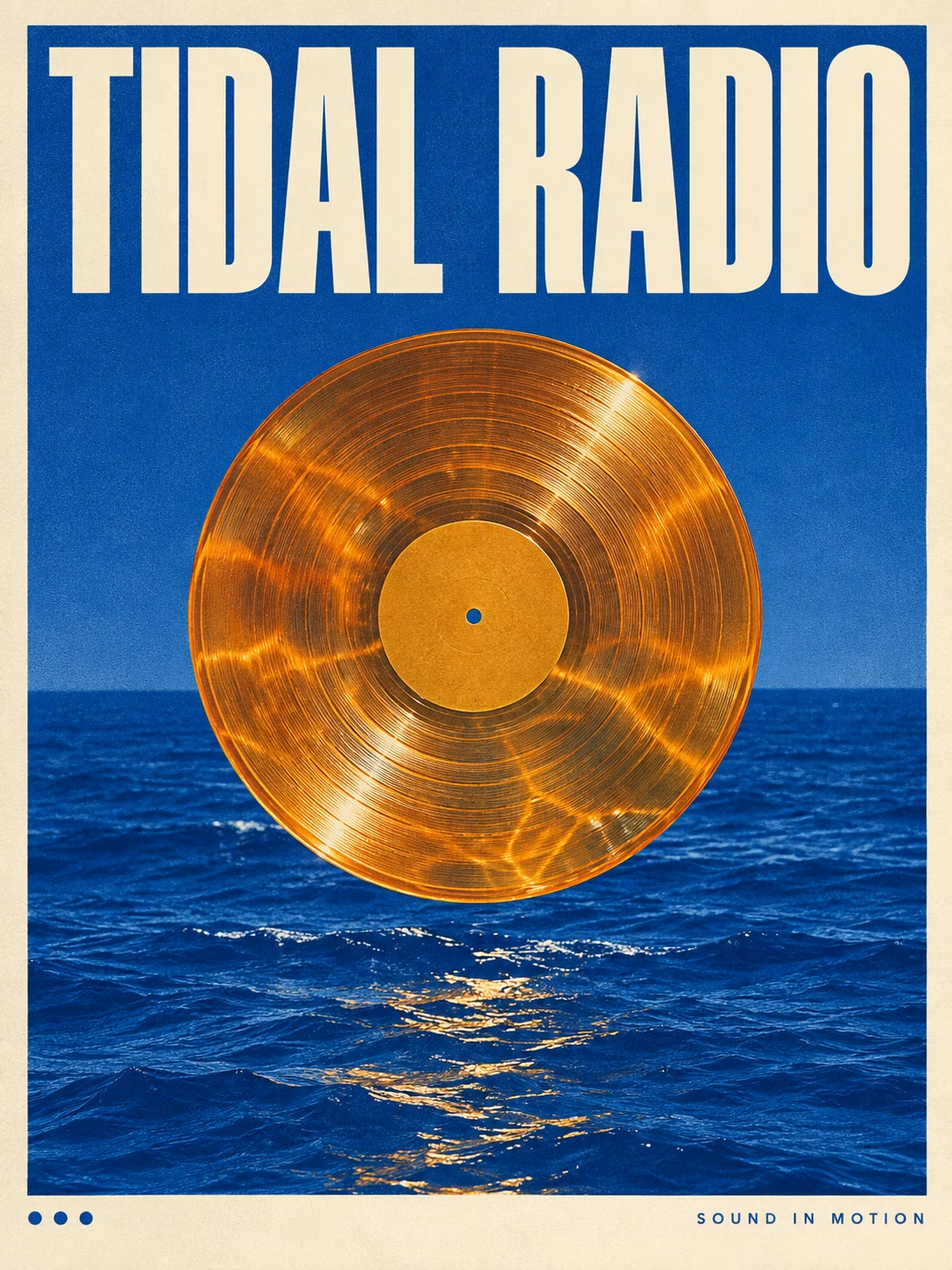
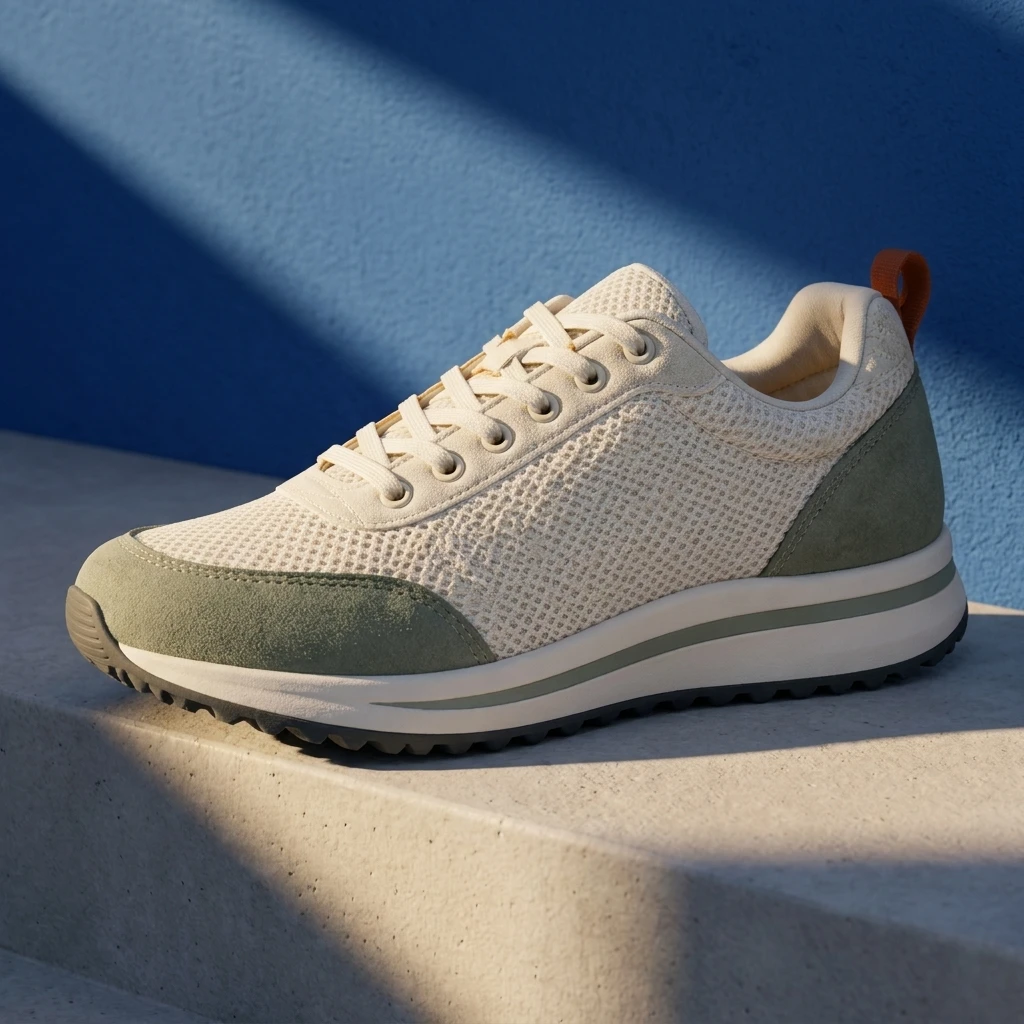
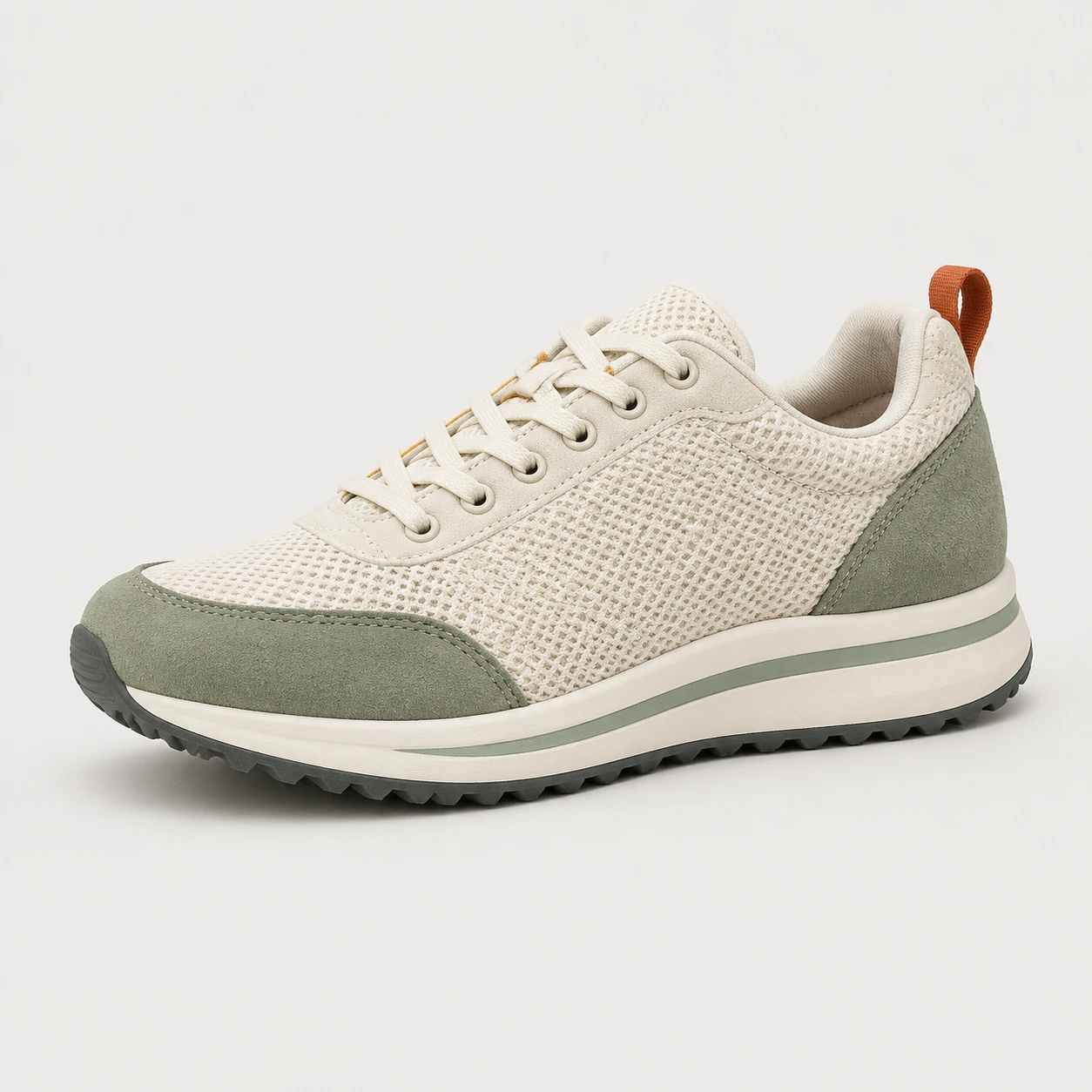
Compare each result with its input: a new setting, a different material, or edited lettering. View the reference and use the recorded prompt to explore your own variation.

MEET THE MODEL

When does Nano Banana Pro fit the brief?

Nano Banana Pro is Google’s image generation and editing model built on Gemini 3 Pro. Google highlights text rendering, image composition and output up to 4K. For a Ruxa creator, the useful starting point is a brief with distinct responsibilities: which reference defines the product, which establishes the style, which words must be exact, and where the image needs breathing room. This approach suits product presentations, event posters and a coherent visual collection. Features shown across Google products do not imply that every option is available through every Ruxa channel; check the studio choices before planning a deliverable.

Read the official model documentation

TURN YOUR IDEA INTO A CLEAR BRIEF

Organize a multi-reference image in four steps

More references need clearer instructions. Begin with a small, deliberate set, then add only the information the composition is missing.

  1. 01

    Curate the references

    Choose a clear subject image. Select style, background or layout references separately. Remove conflicting examples and keep upload order consistent with references to image one and image two in your brief.

  2. 02

    State the priorities

    Describe the essential subject first, then assign a role to every reference. Name the shapes and wording that should stay. Avoid simply asking to combine everything and leaving the model to guess your priorities.

  3. 03

    Review the composition

    Explore a small number of images at the intended aspect ratio. Inspect proportions, edges, shadows and lettering. Change one major issue at a time and retain a preferred result as a reference for a later request.

  4. 04

    Choose the delivery size

    Once the direction works, consider a higher resolution and check the updated credit estimate. Inspect the downloaded pixels for the intended use; a larger image does not automatically correct spelling or structural mistakes.

IN THE RUXA STUDIO

Know your options before you start.

Controls reflect the current integration

Reference images
References are optional when starting from text. The current upload count, size and formats below use the same model catalog as the studio.
Resolution and framing
Choose the frame for the composition, then select an available resolution. Review the updated credit estimate before generating.
Text and export
Put exact wording in quotation marks. Use the current output choices below and proofread every word before treating the image as finished.
Checking status

A LITTLE MORE CLARITY

Questions about Nano Banana Pro

Is Nano Banana Pro the same as Nano Banana 2?

No. Pro refers to Gemini 3 Pro Image; Nano Banana 2 refers to Gemini 3.1 Flash Image. Compare the reference requirements, available resolution settings and a small trial for your particular brief instead of choosing by the number in the name.

How many references can I upload?

Use the current upload limit shown below and in the studio. These settings share the same model catalog. Give each reference a clear role; limits in another product do not determine what is available here.

When is 4K worth choosing?

Consider it once the composition works and the deliverable needs more pixels. Check the studio estimate and available settings, then inspect the downloaded dimensions. A 4K label does not mean every aspect ratio produces a 4096 by 4096 square.

How do I stop references from competing?

Assign one purpose to each image, such as the subject, lighting or brushwork. Remove contradictory examples and put the essential preservation instructions first. If elements blend incorrectly, simplify the reference set before adding more instructions.

Will packaging and poster text be exact?

Text rendering is a capability highlighted by Google, but individual letters can still be wrong. Supply the exact copy and clear text areas. Proofread packaging details, prices and event information in the downloaded image before publication.

How many credits does Nano Banana Pro cost?

Use the current estimate shown after signing in to the studio. Resolution, quantity and available channels can affect the quote. This page does not turn an old price into a permanent promise or advertise unlimited or free generation.

Were these images generated with Nano Banana Pro?

Yes. These Nano Banana Pro results demonstrate scene editing, material transformation and Chinese poster lettering. Each example includes its original input image and the exact prompt used.

MAKE SOMETHING YOURS

Your next creation starts with an idea.

Pick a direction. Write your first prompt.

Open image studio